Read the balance
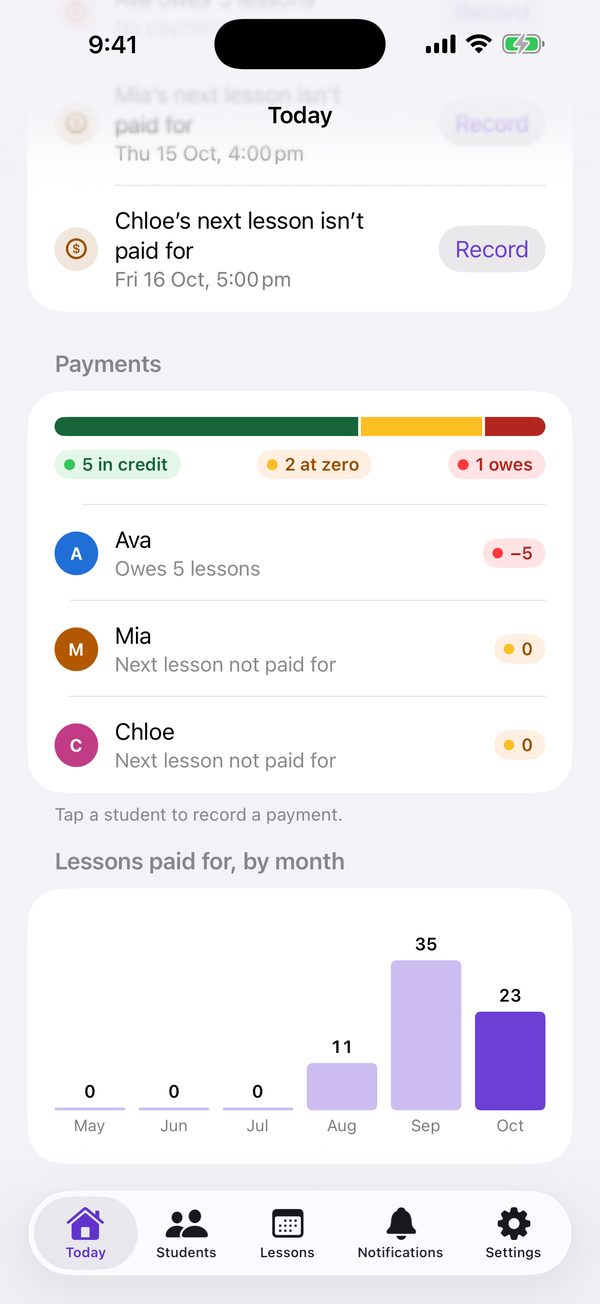
One coloured dot and a number tell you where a student stands.
In the iOS app
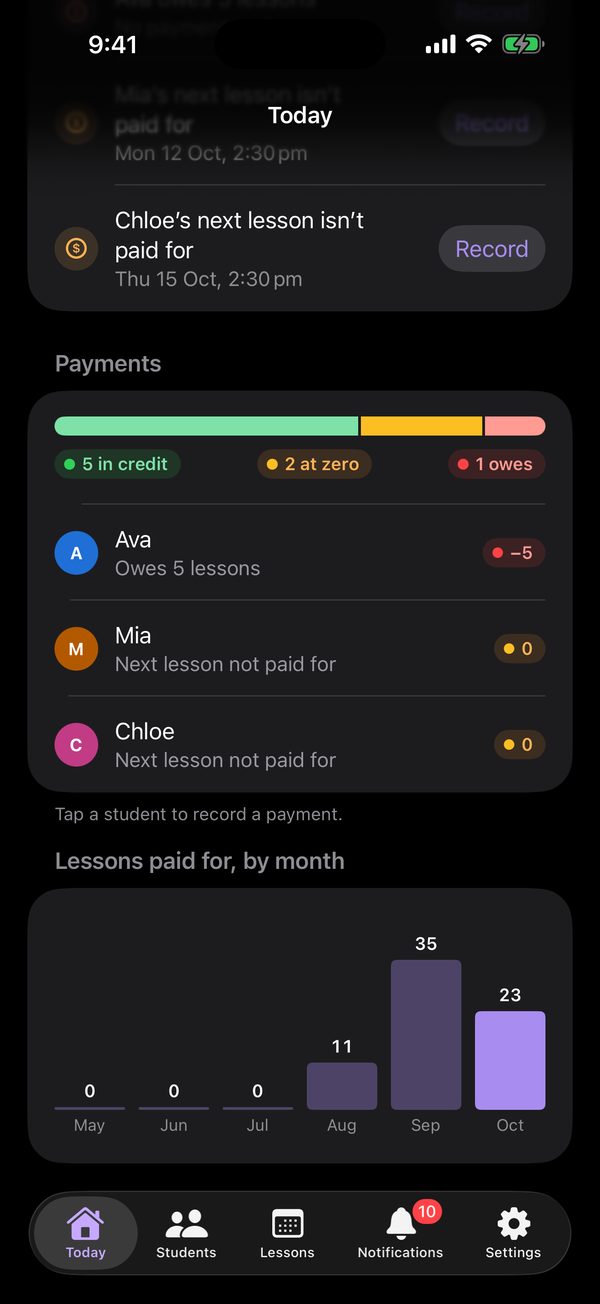
- Credit: more lessons paid for than attended.
- No balance: paid up exactly. The next lesson isn’t paid for yet.
- Debt: more lessons attended than paid for.
How it works
- Teachers see the balance on Students, on each student’s $ button, and on Today under Payments. Students see it on Teachers.
- The balance is lesson credits paid for, minus lessons attended.
- Absent lessons don’t use a credit. A new student starts on zero, not in debt.
- When a balance goes into debt, lands on zero, or comes back from debt, both the teacher and the linked accounts get a notification.
On the web
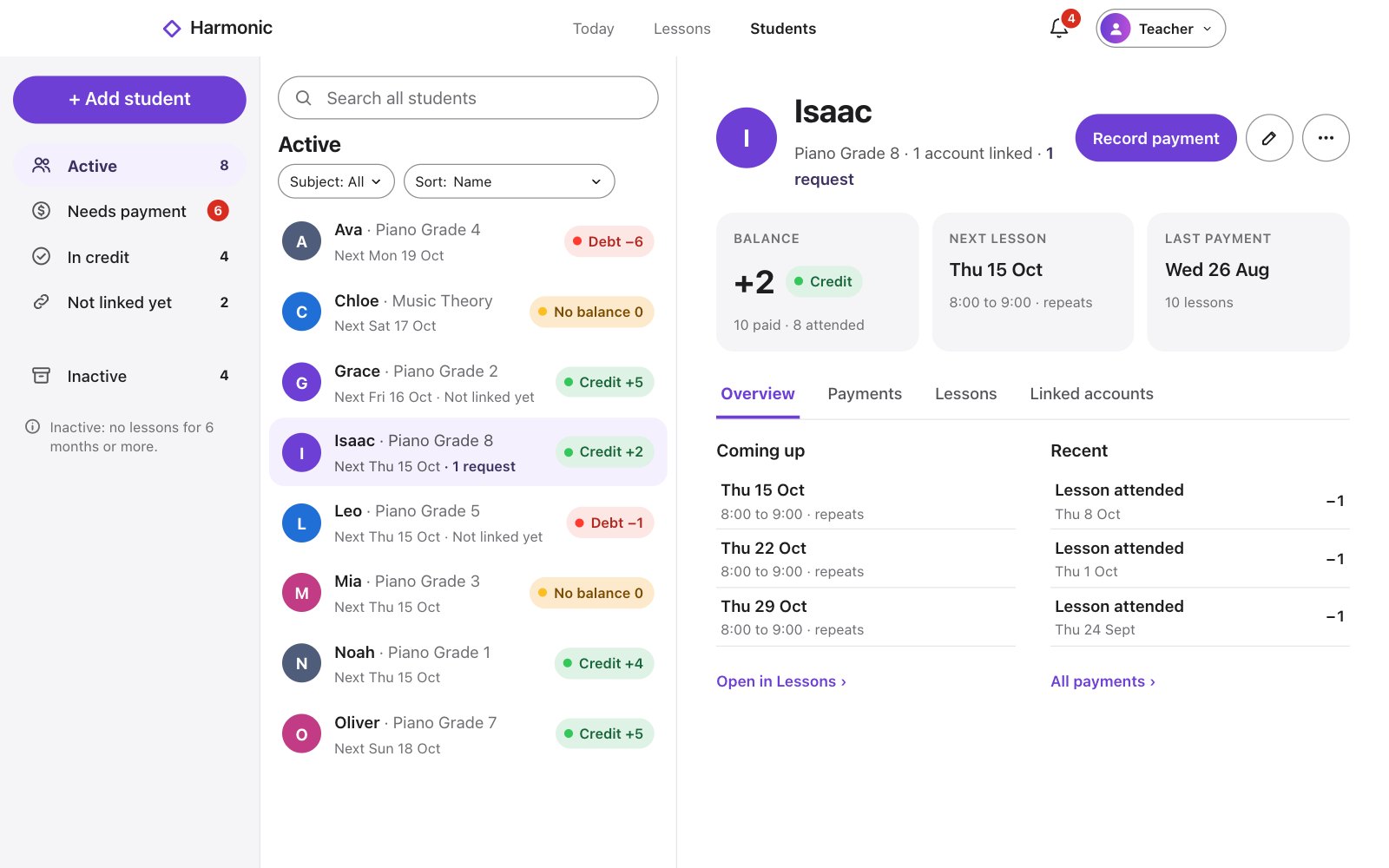
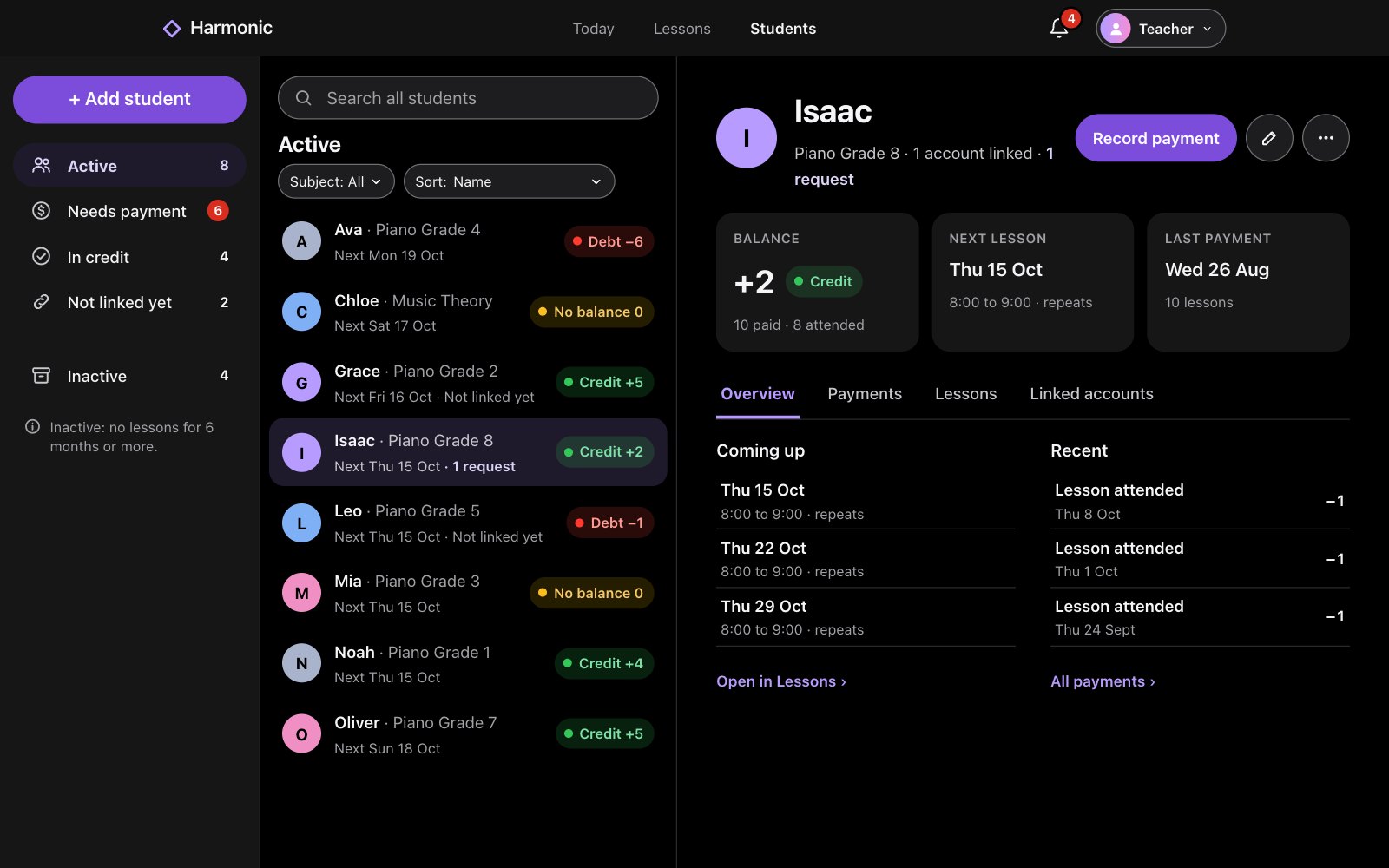
- Credit: more lessons paid for than attended.
- No balance: paid up exactly. The next lesson isn’t paid for yet.
- Debt: more lessons attended than paid for.
How it works
- Teachers see the balance on Students and on each student’s page. Students see one for every teacher on Today and on Teachers.
- The balance is lesson credits paid for, minus lessons attended.
- Absent lessons don’t use a credit. A new student starts on zero, not in debt.
- When a balance goes into debt, lands on zero, or comes back from debt, both the teacher and the linked accounts get a notification.