For teachers
Mark attendance
Attendance is what uses up lesson credits, so mark each lesson once it’s happened.
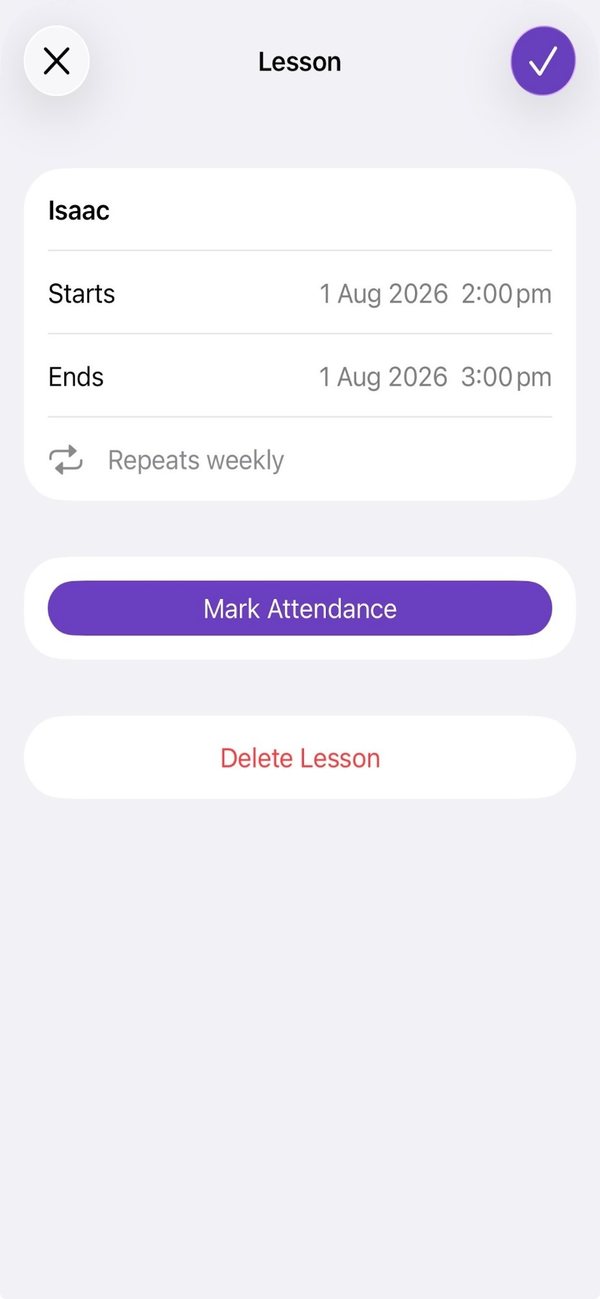
Open the lesson, from Lessons or from the student’s page.
Tap Mark Attendance, then Attended or Absent.
Good to know
- Attended uses one lesson credit. Absent doesn’t.
- You can mark a lesson Attended once it has started. Absent can be marked early for a planned absence, and Harmonic asks you to confirm.
- Marked the wrong one? Open the lesson and choose Clear. It goes back to Scheduled.
- Linked accounts are told when attendance is marked.
Still stuck? In the app, go to Settings and tap Contact Us.