The lesson app for teachers and families

Every lesson, in tune.
Teach more. Track less.

Lessons, attendance and payments in one place, for anyone who teaches and the families who learn.
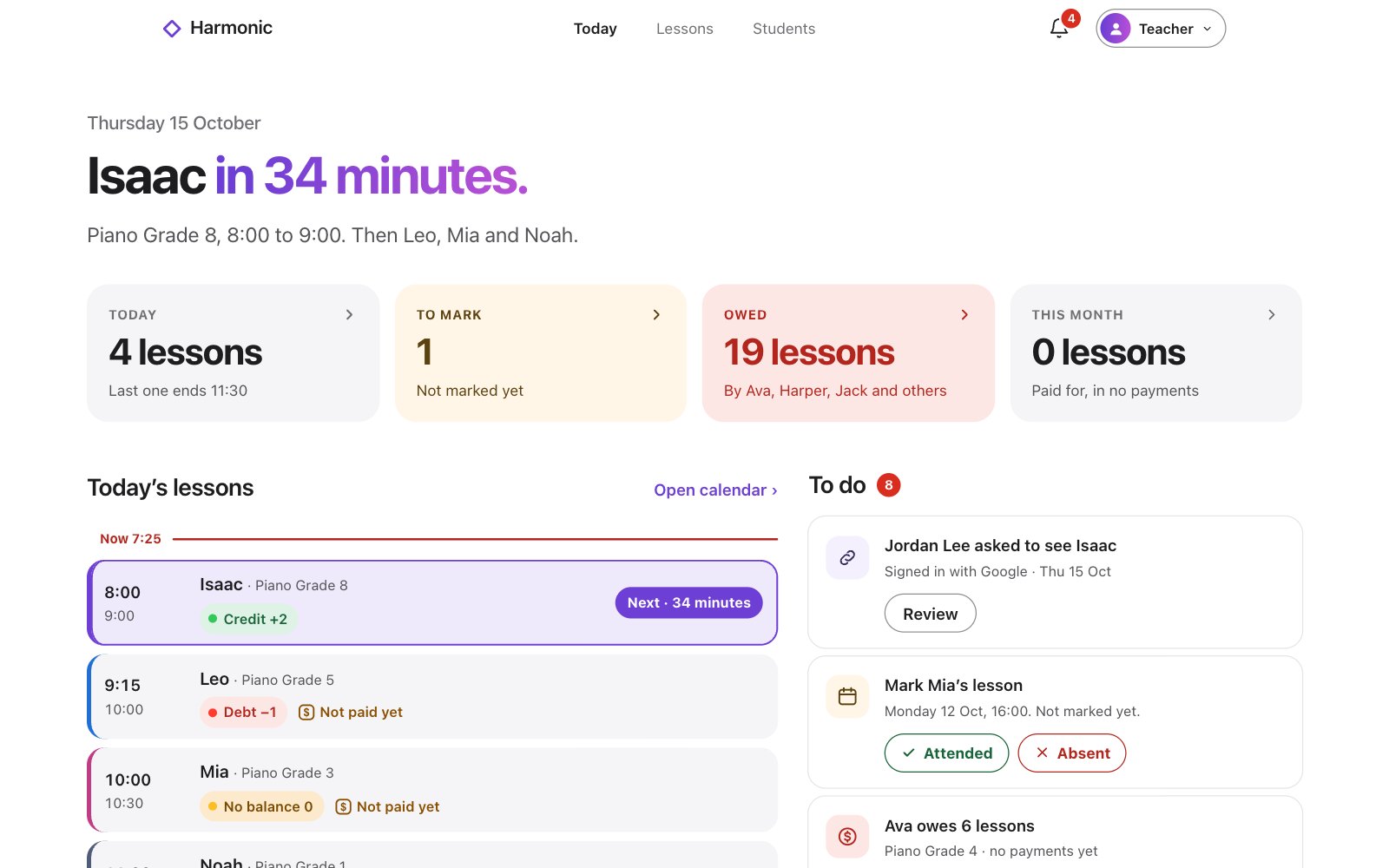
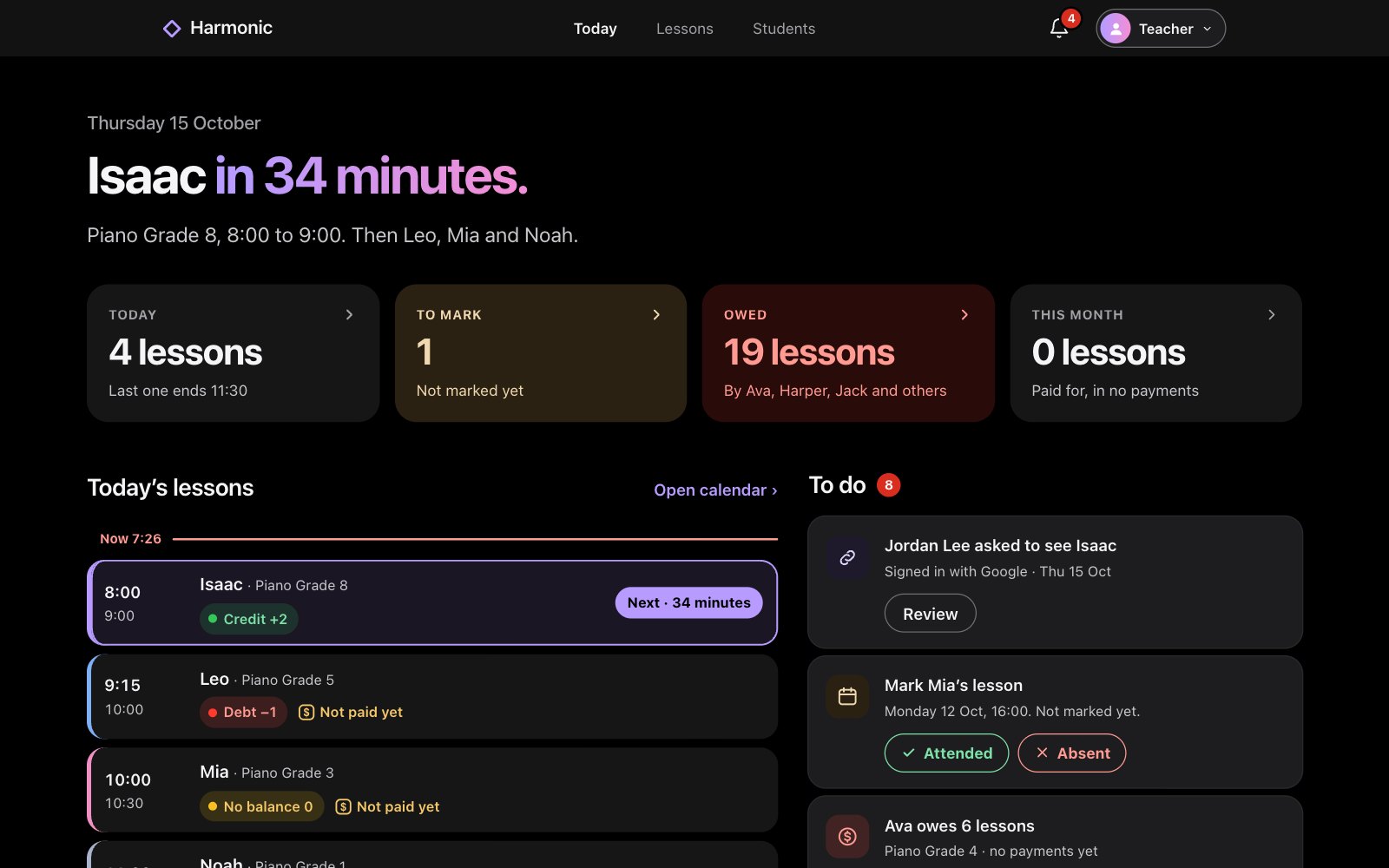
Harmonic on the web: Today, with Isaac’s lesson next, today’s lessons and a To do listHarmonic on the web: Today, with Isaac’s lesson next, today’s lessons and a To do list
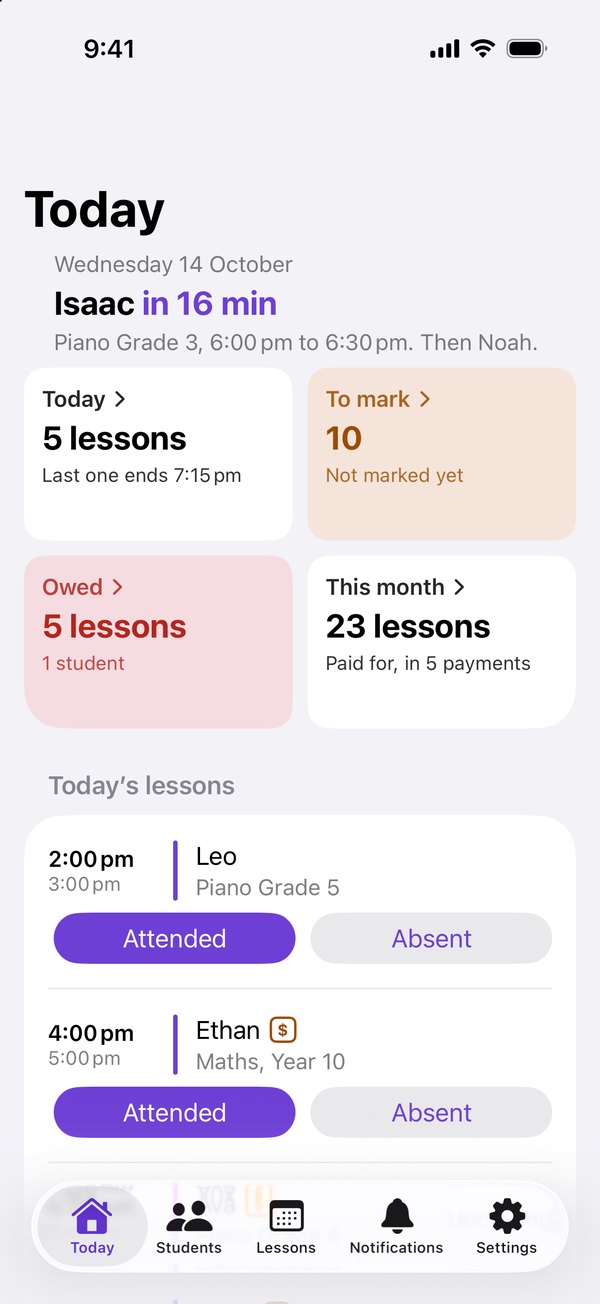
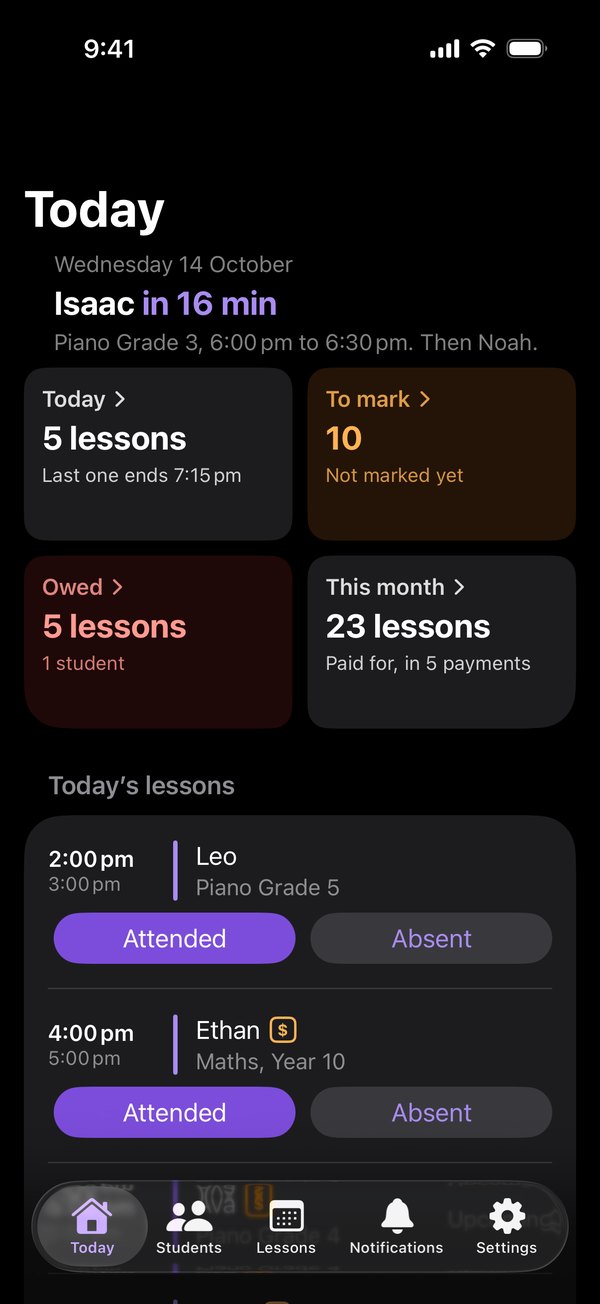
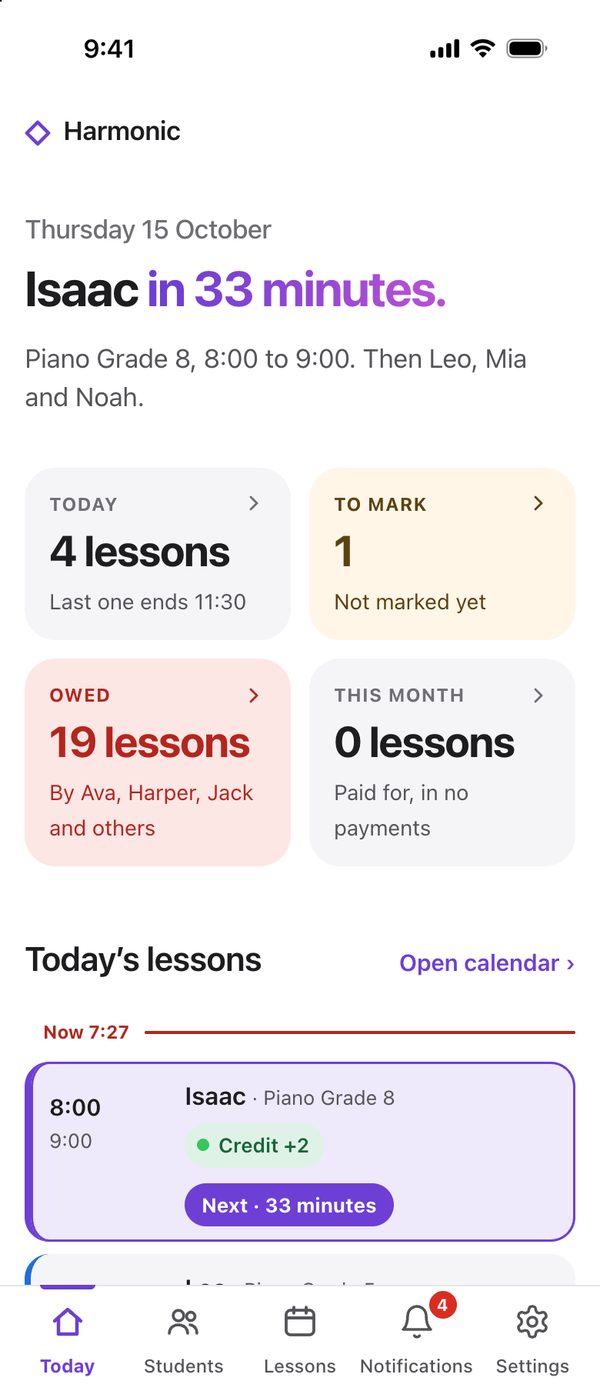
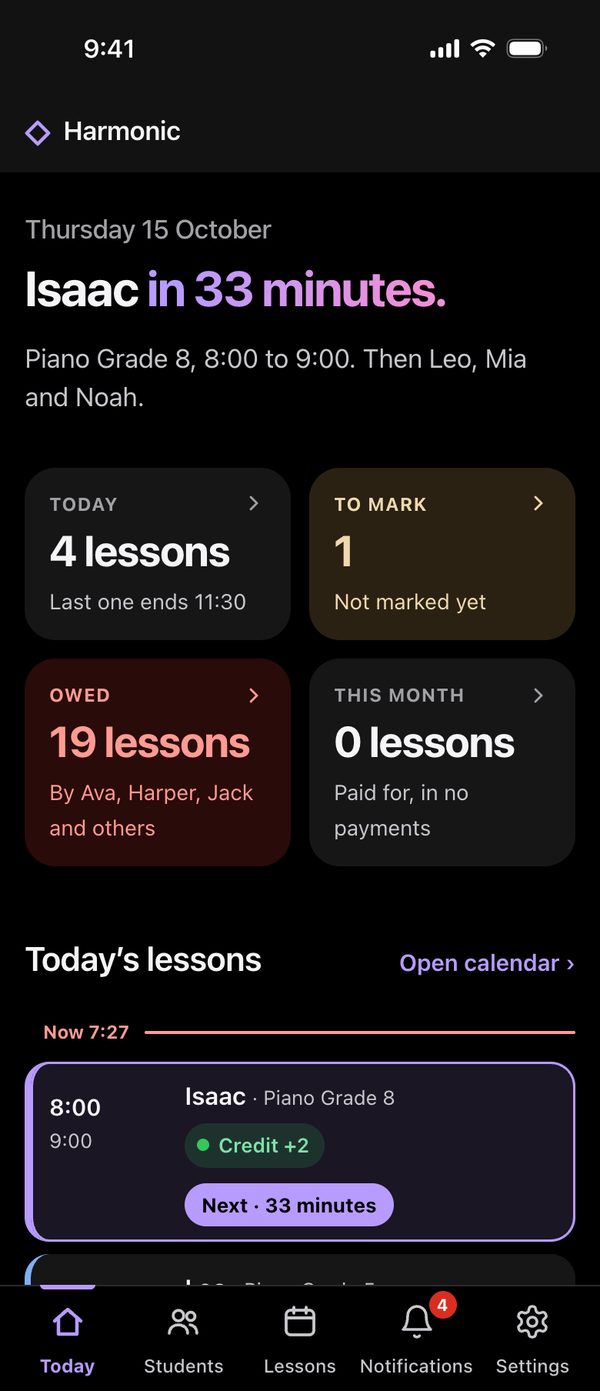
The Harmonic iOS app: Today, with the next lesson and today’s lessonsThe Harmonic iOS app: Today, with the next lesson and today’s lessons

Explore Harmonic

Simple for teachers.
Clear for students and their families.
iOS app

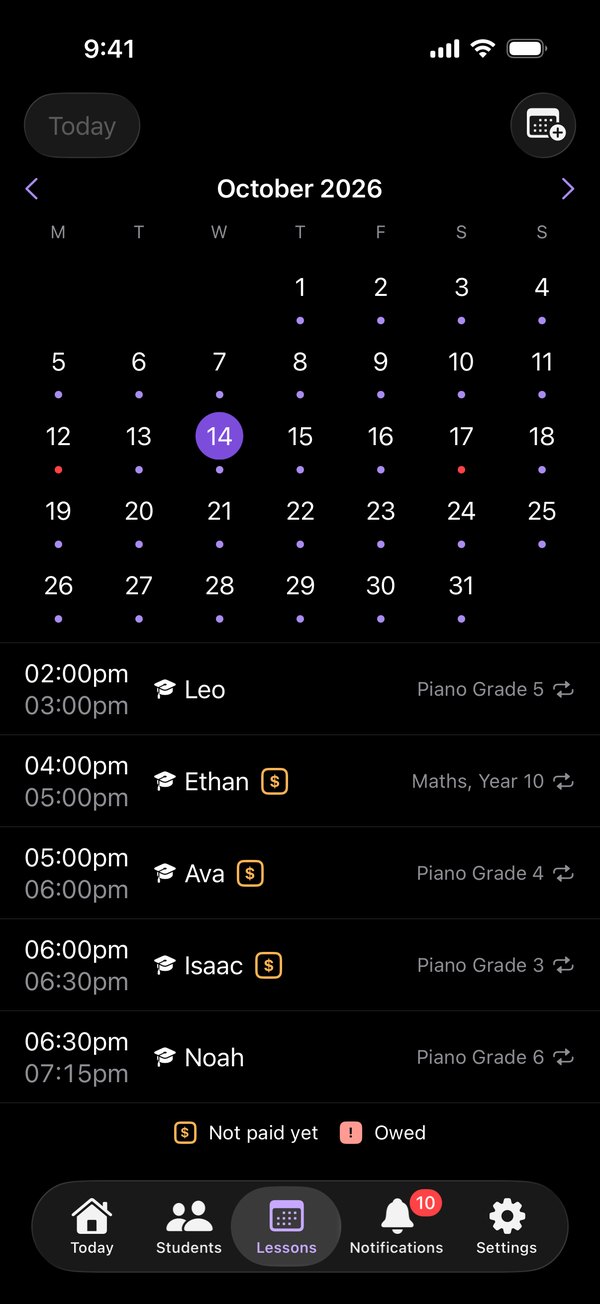
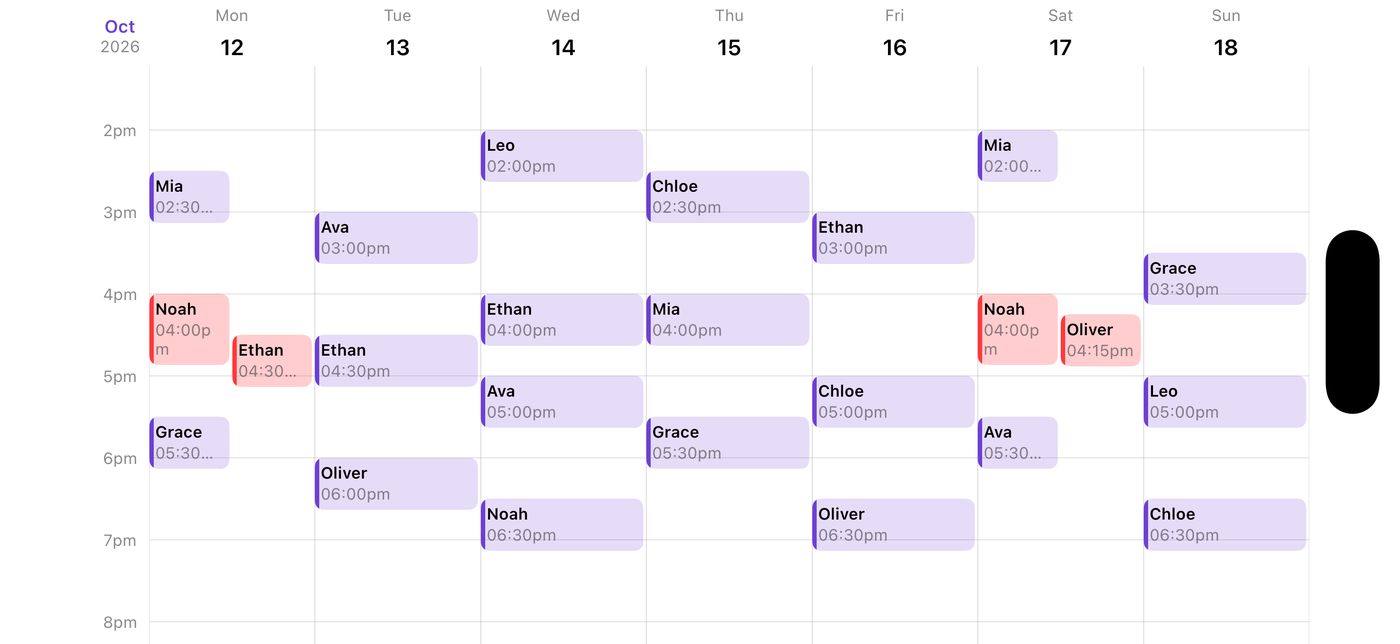
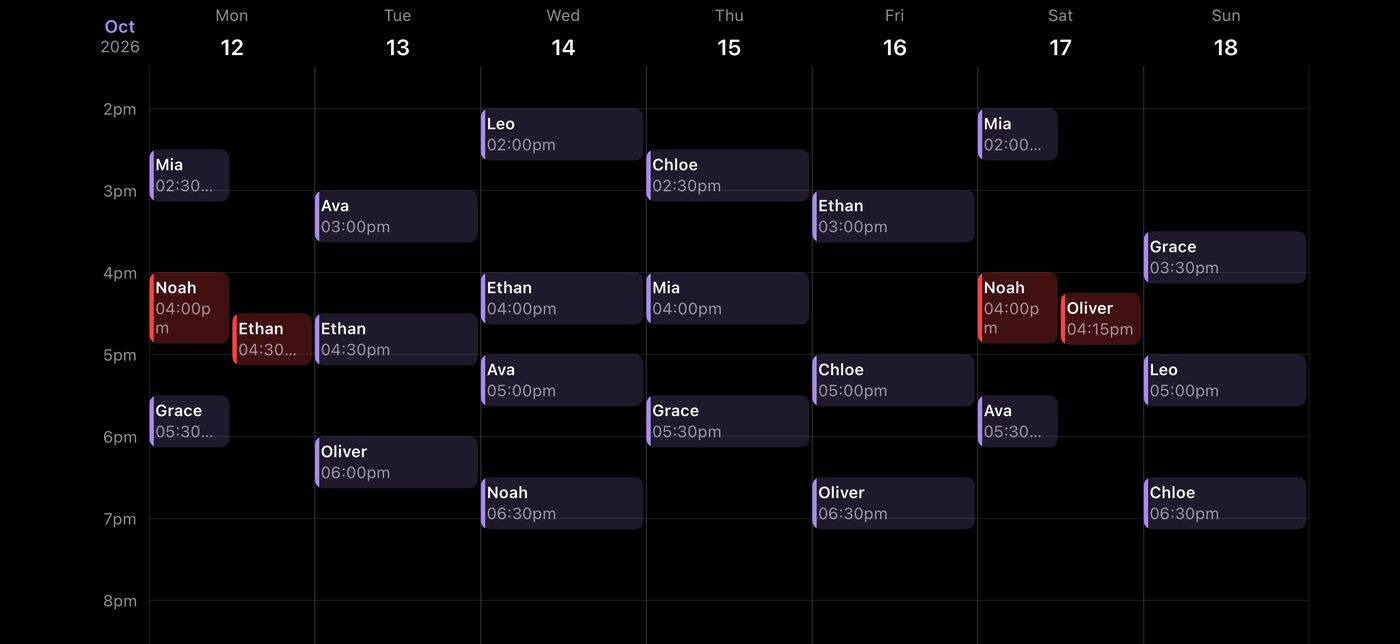
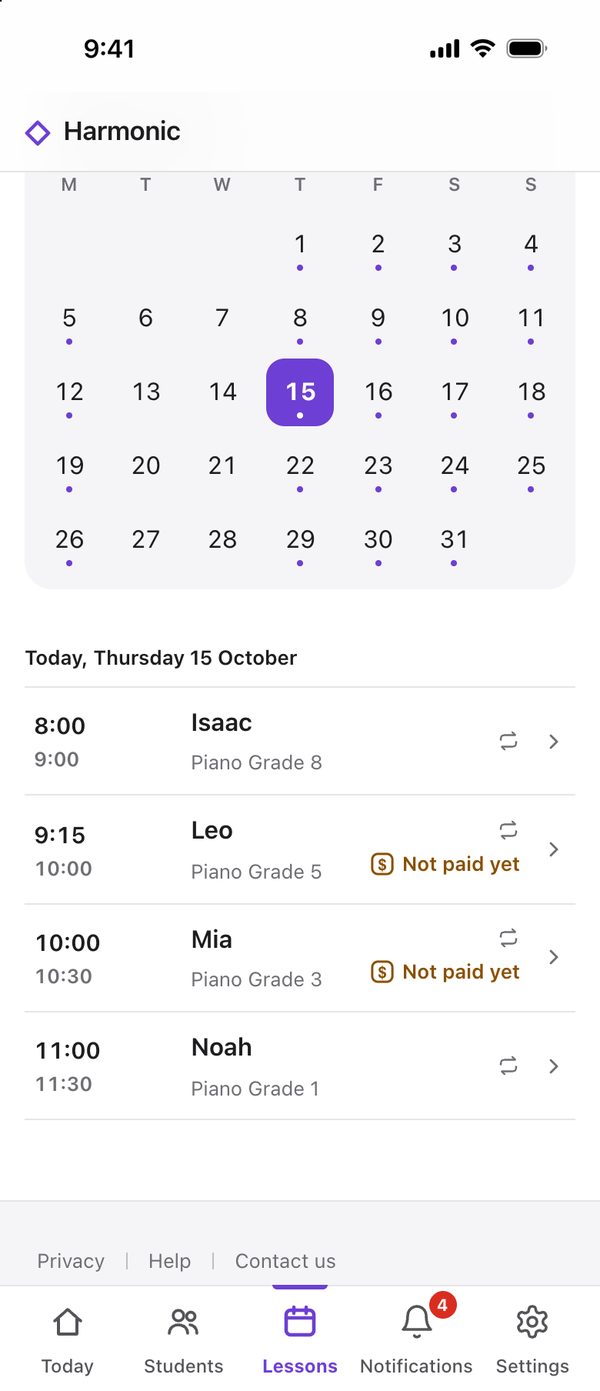
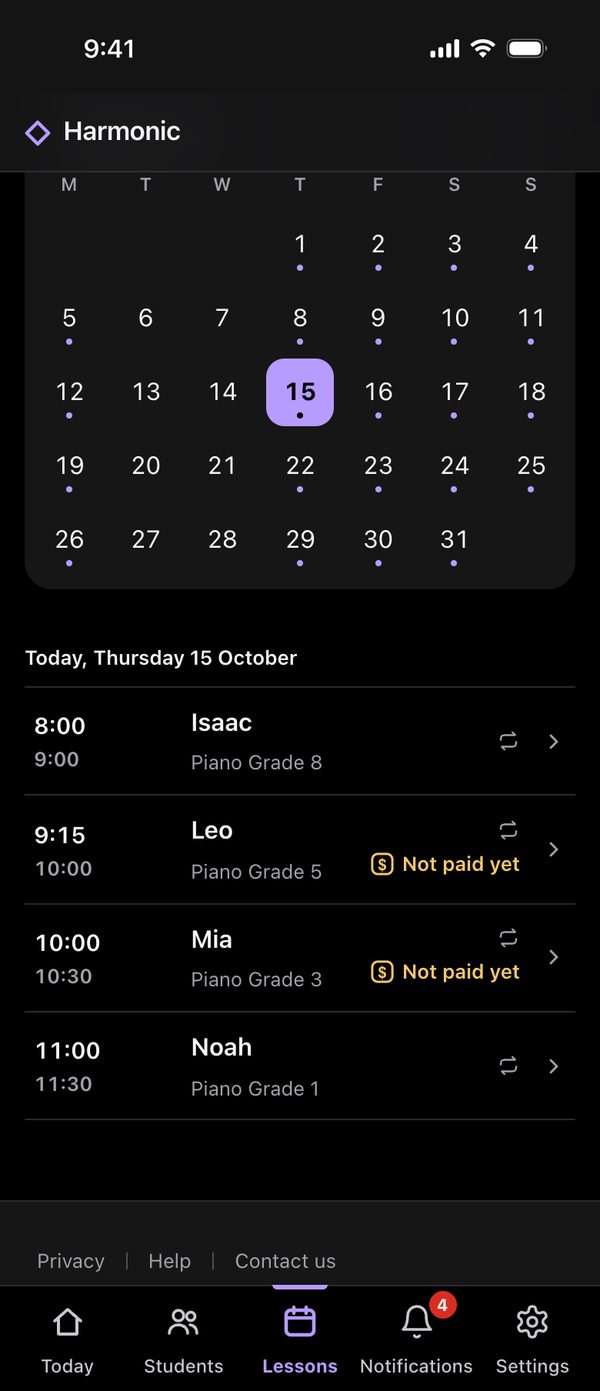
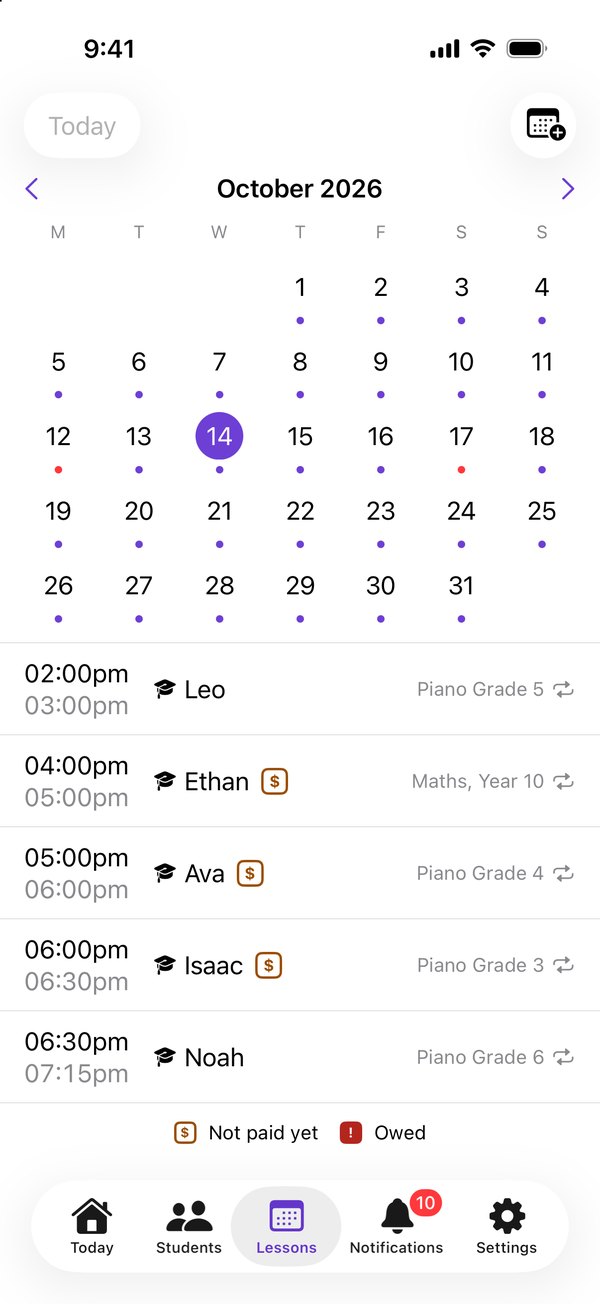
Turn it sideways. Your month upright. Turn your iPhone for the week diary, clashes in red.

The Lessons tab upright: the month, with a dot under each teaching dayThe Lessons tab upright: the month, with a dot under each teaching day
Turned sideways: the week diary, each lesson in its time slot, clashes in redTurned sideways: the week diary, each lesson in its time slot, clashes in red

On the web

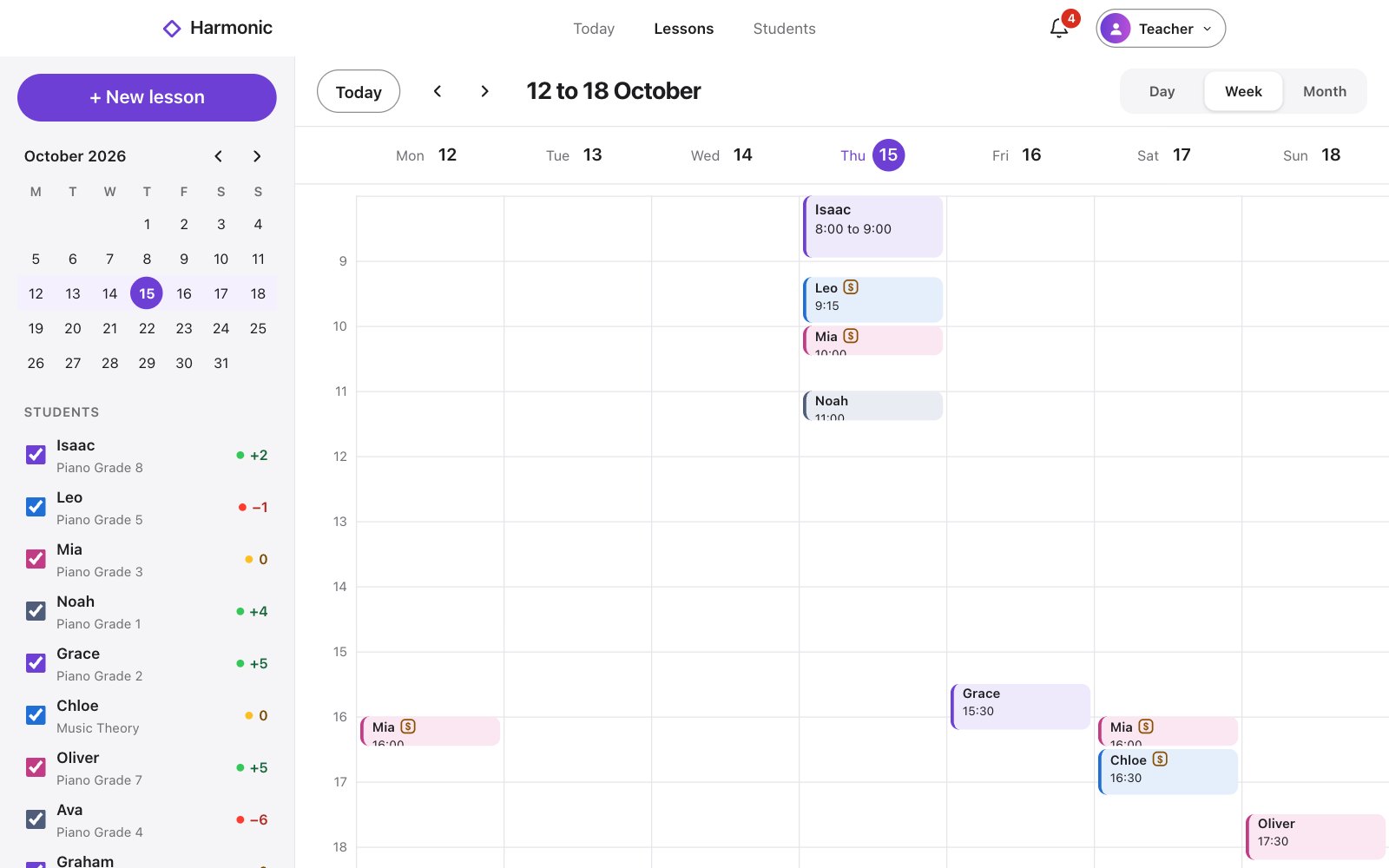
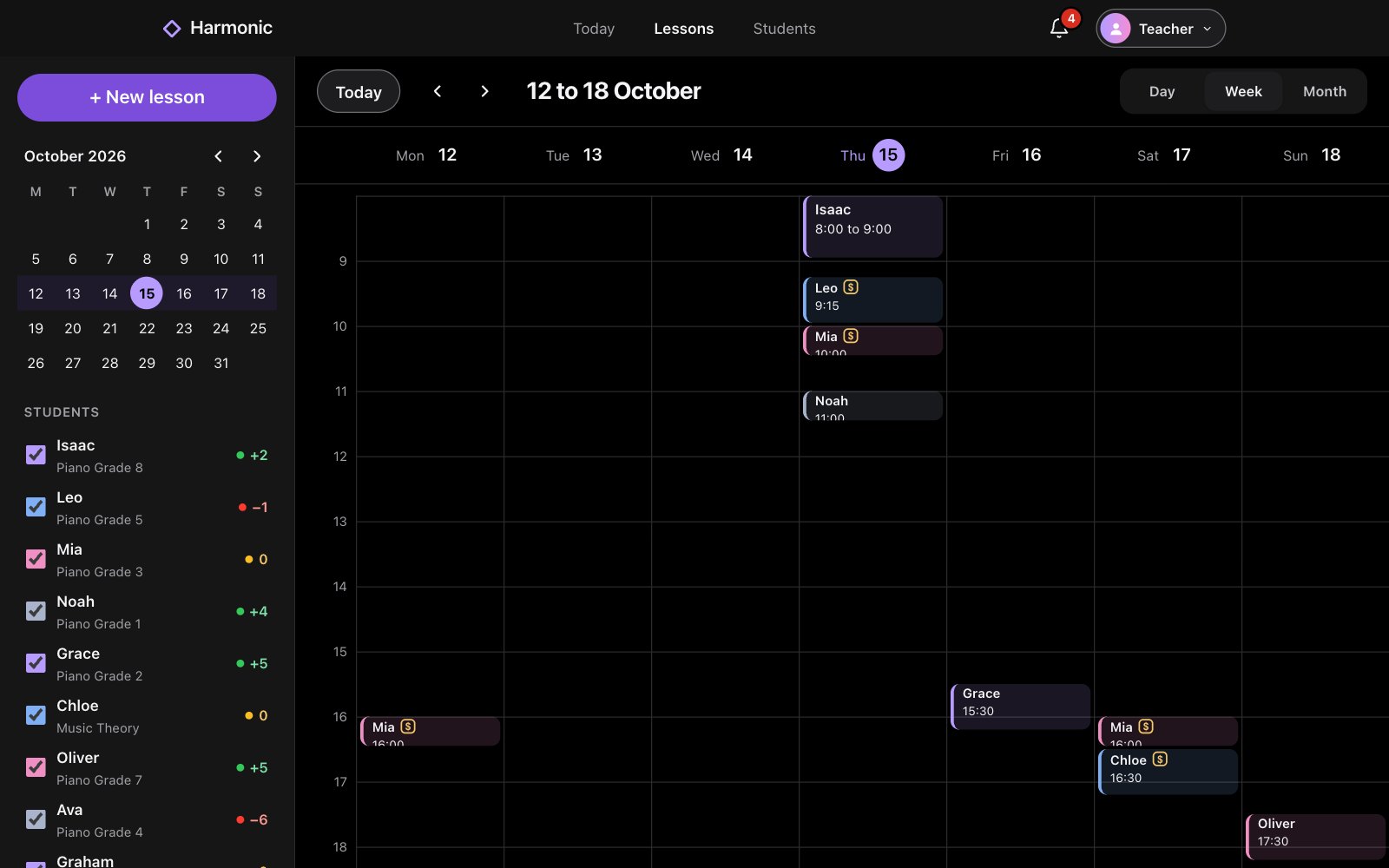
Plan the week on a big screen. Every lesson and every student, on your Mac or PC.

Lessons on the web: the week, a small month, and every student with their balanceLessons on the web: the week, a small month, and every student with their balance

On the web

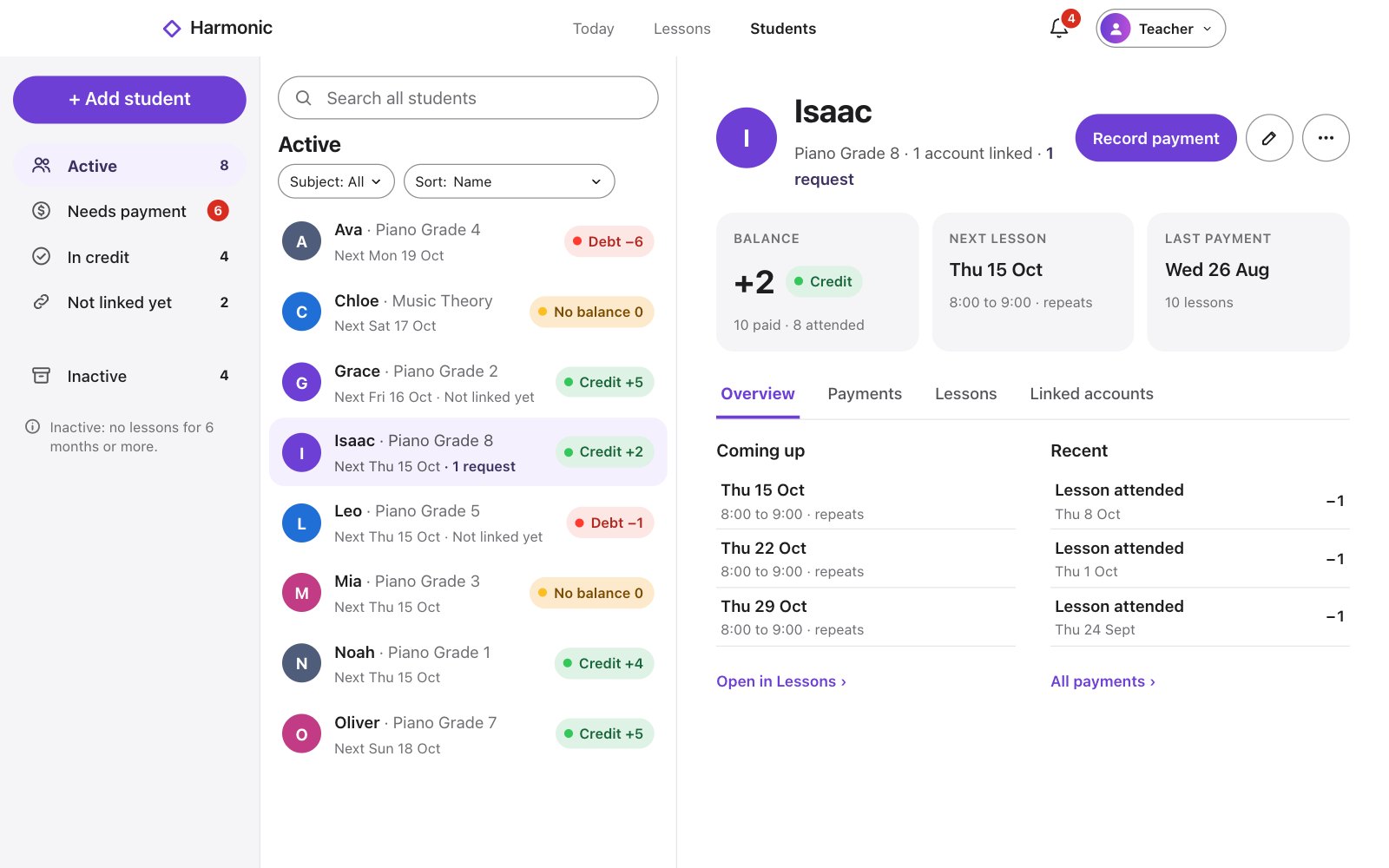
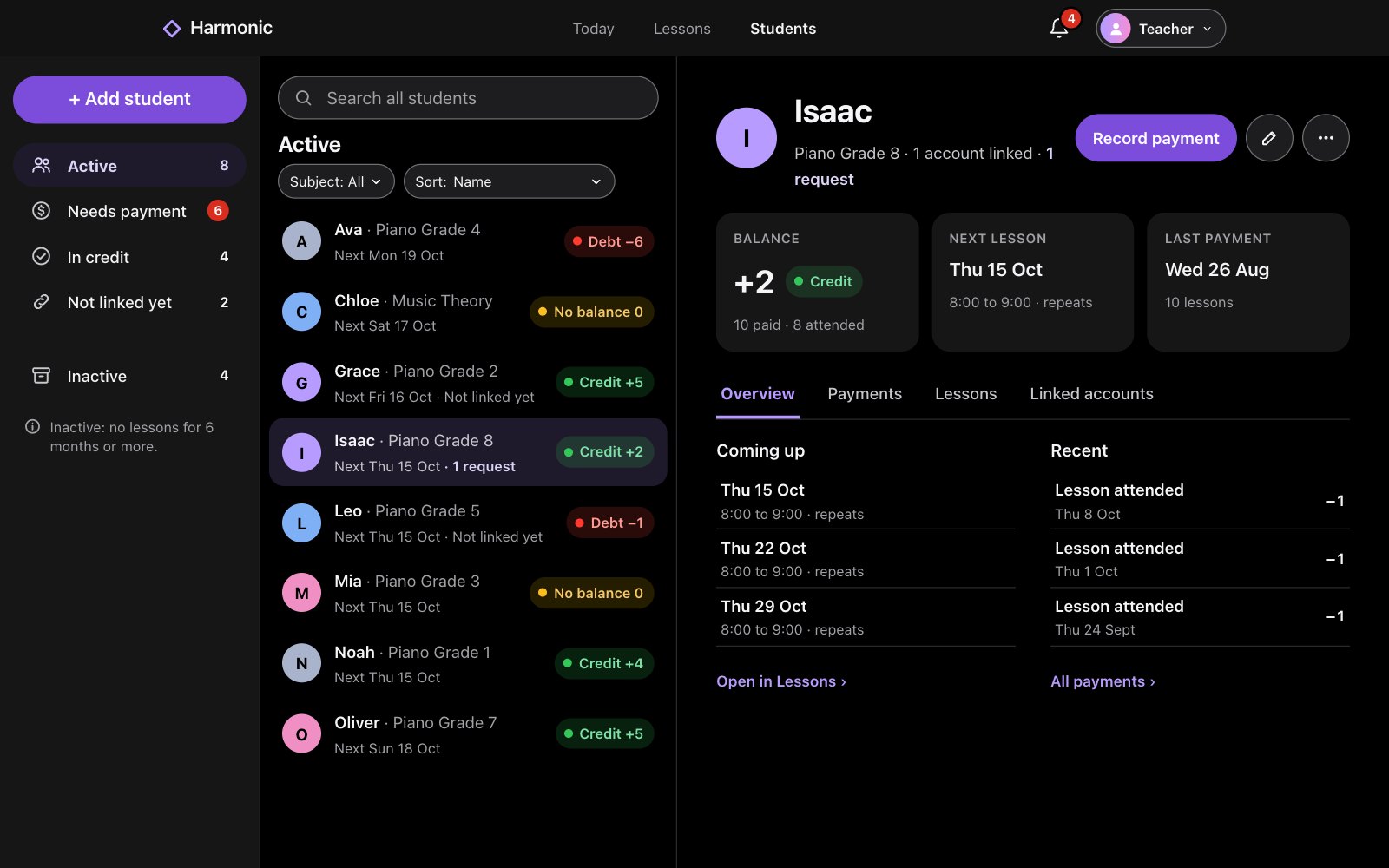
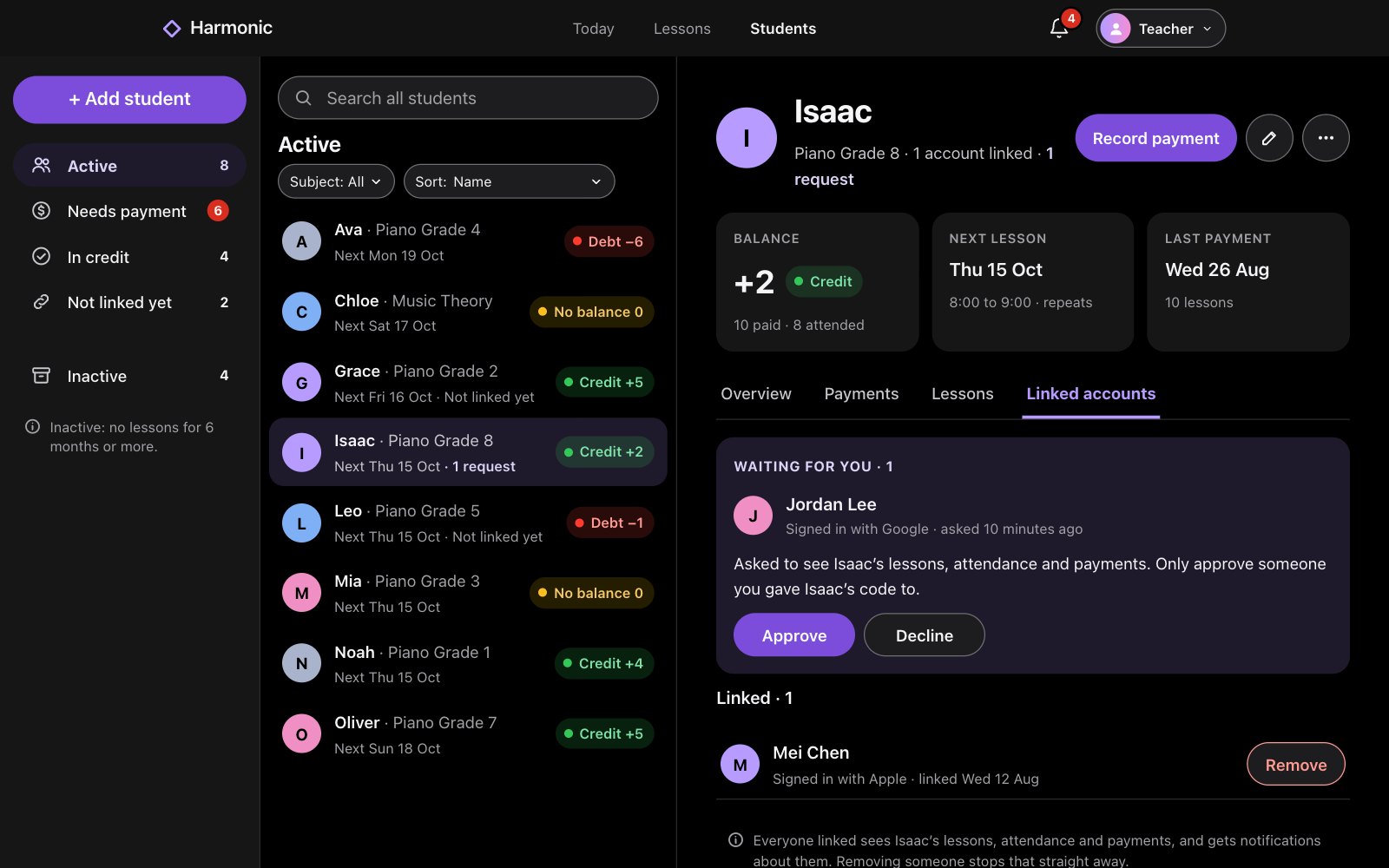
Every student, at a glance. Who’s in credit, who owes, and what’s next.

Students on the web: each student with their subject, next lesson and balanceStudents on the web: each student with their subject, next lesson and balance

iOS app and the web

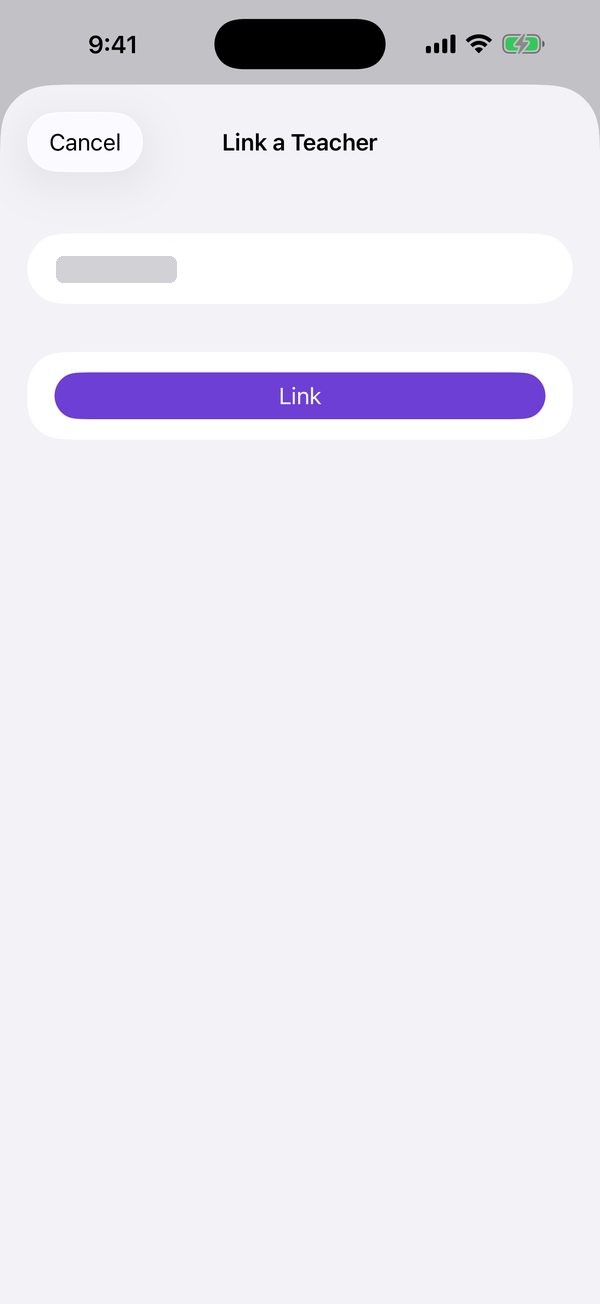
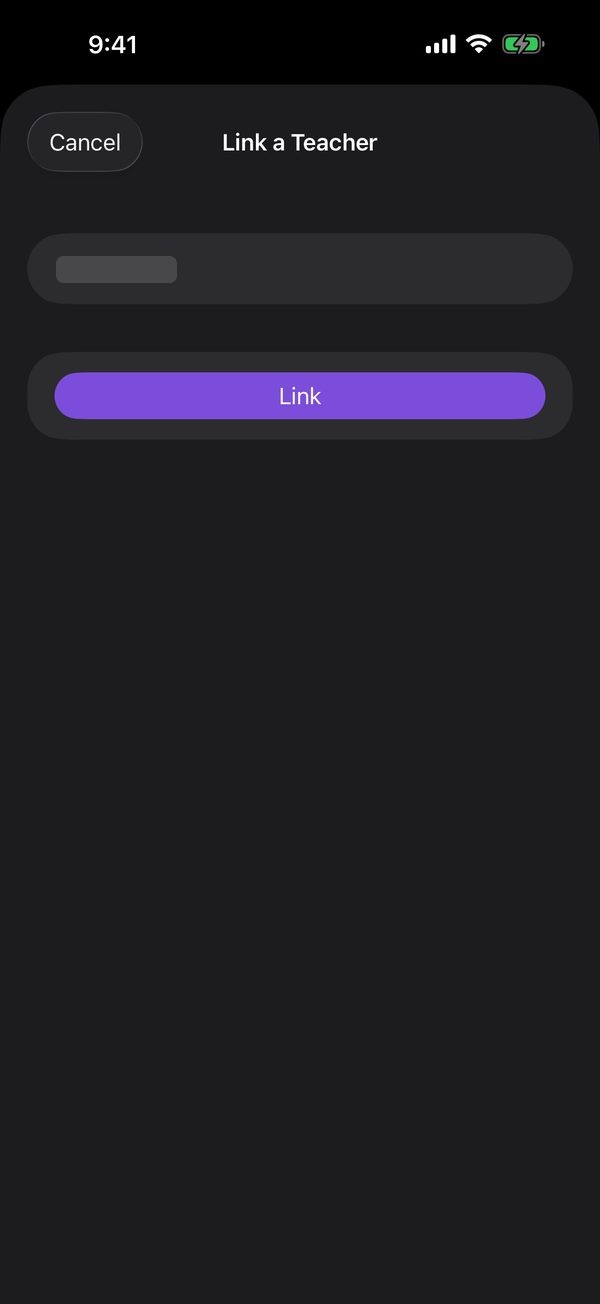
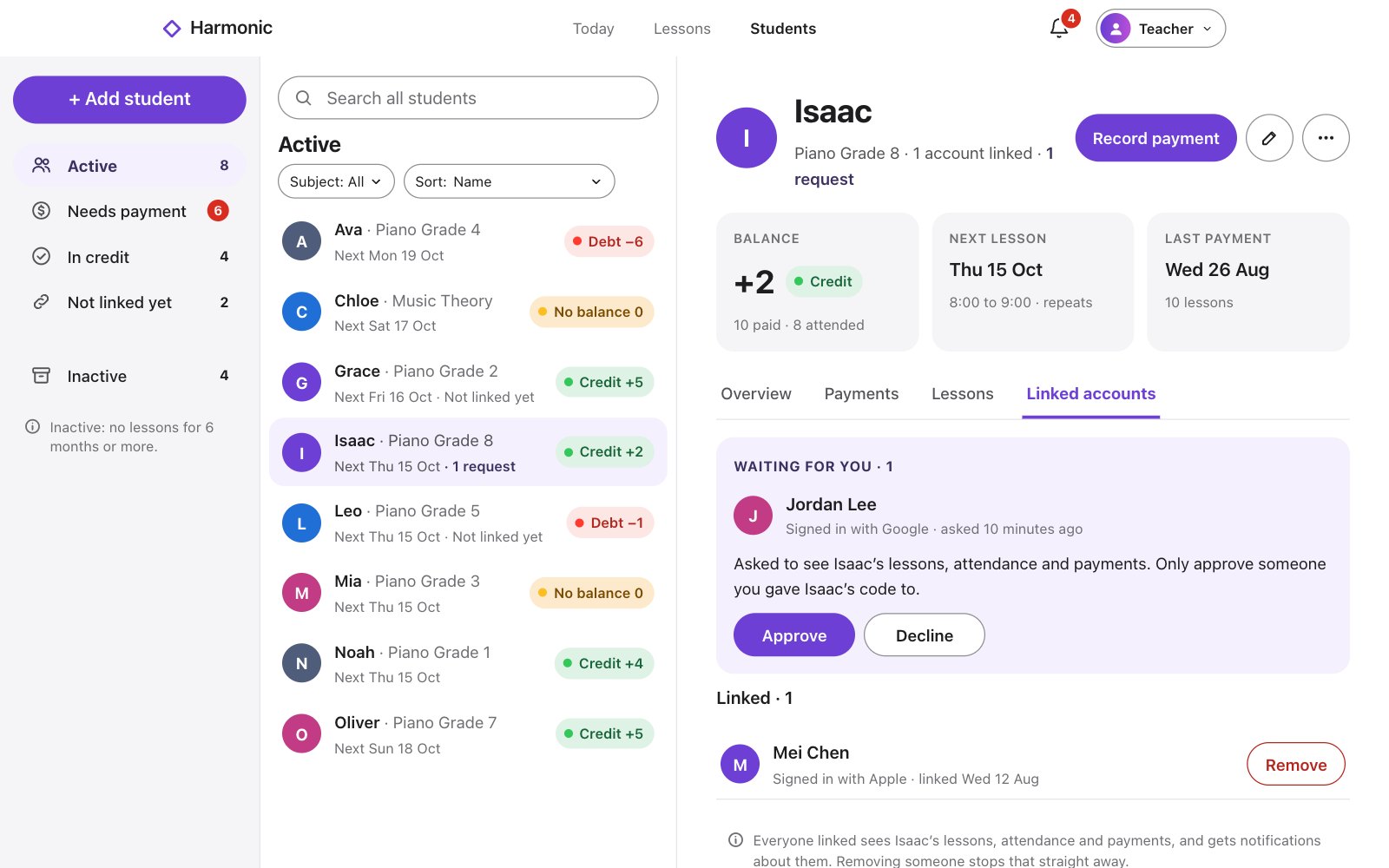
Link with a code. Students, parents and guardians can all link. You approve each one, and manage who stays linked.

On the web

No iOS app? No worries. Harmonic on the web works on any phone, in any browser. Nothing to install.

Harmonic on the web on a phone: Lessons, the month and today’s listHarmonic on the web on a phone: Lessons, the month and today’s list
Harmonic on the web on a phone: Today, with Isaac’s lesson nextHarmonic on the web on a phone: Today, with Isaac’s lesson next
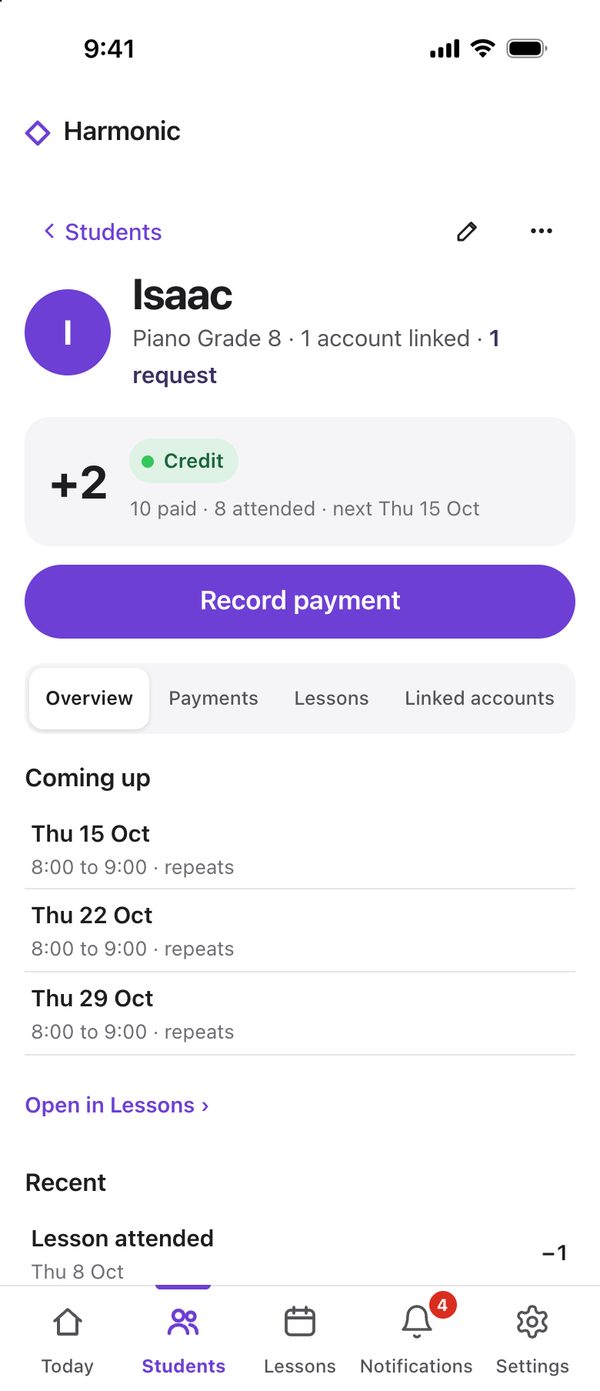
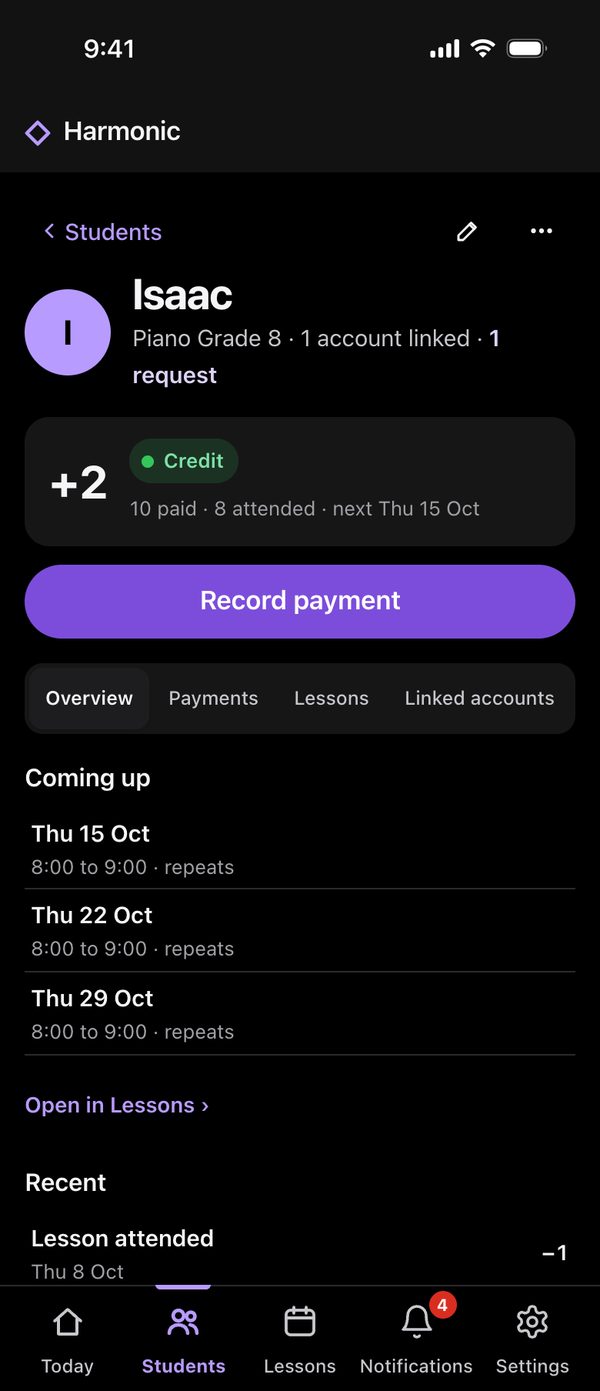
Harmonic on the web on a phone: Isaac’s page, his balance and lessons coming upHarmonic on the web on a phone: Isaac’s page, his balance and lessons coming up

Where the journey began

It started with Isaac’s piano lessons.

Which weeks were paid? What’s on next? Harmonic began as the answer for one family. Cindy, Isaac’s piano teacher, was the first teacher to use it, and helped test every version. Now it keeps every lesson straight, for any subject.

Scheduling

Set it once.
The term fills itself in.

The teacher adds a student’s lesson and makes it weekly. Every date appears for the teacher, the student and their family.
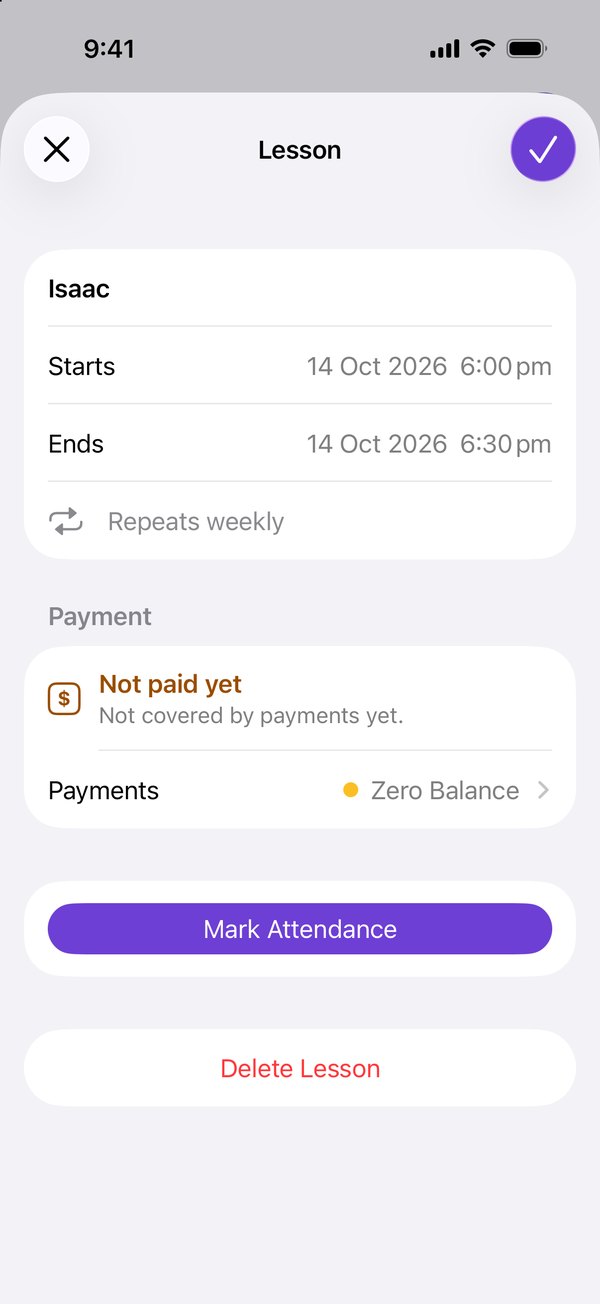
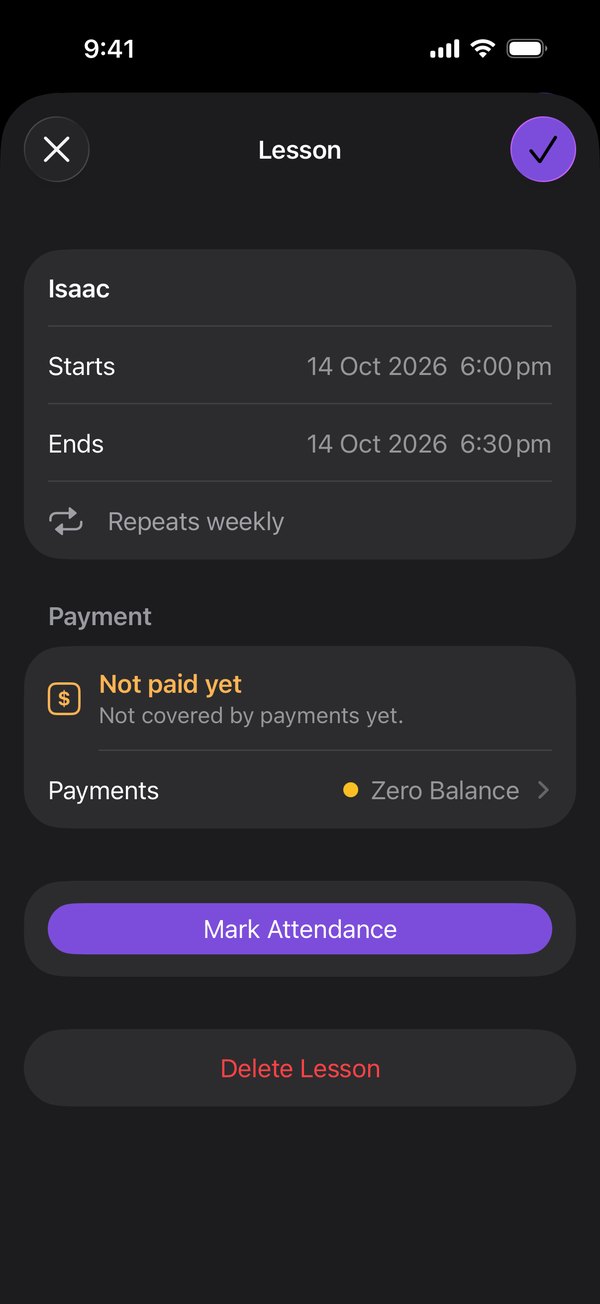
A lesson: when it starts and ends, that it repeats weekly, attendance and paymentA lesson: when it starts and ends, that it repeats weekly, attendance and payment

Attendance

One tap after class.
Attended, and a credit comes off.

The teacher marks it before the next student sits down. The balance stays right, with no spreadsheet.

Today: today’s lessons with Attended and Absent, and a To do listToday: today’s lessons with Attended and Absent, and a To do list

Payments

Pay for a lesson.
It becomes a credit.

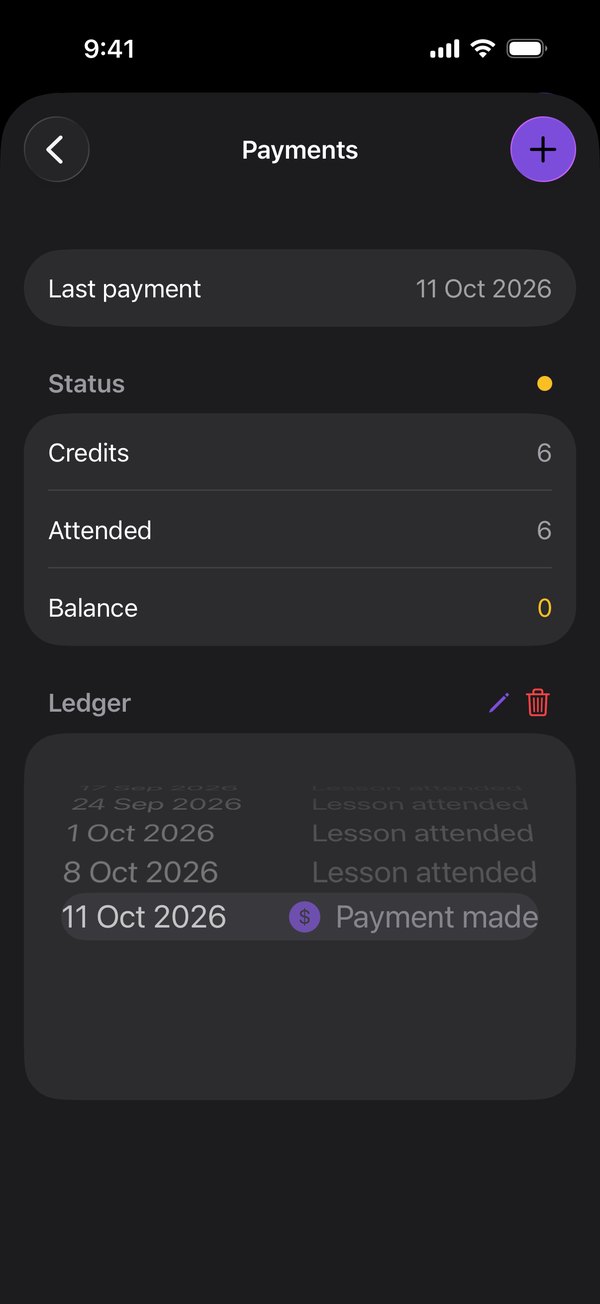
The teacher records it once. Teacher and student see the same balance, lesson by lesson.
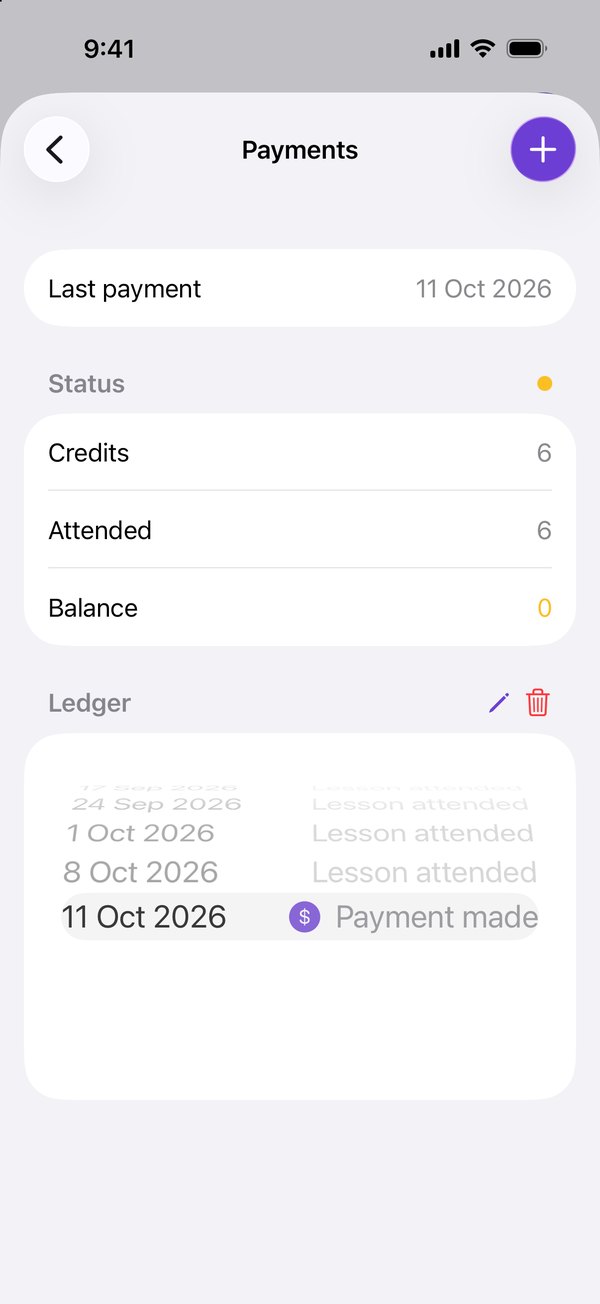
Payments: credits, lessons attended, the balance, and a ledger of each entryPayments: credits, lessons attended, the balance, and a ledger of each entry

Notifications

Everyone hears.
Everyone linked, straight away.

Reschedule, mark attendance or record a payment, and the student and their family know the moment it happens.
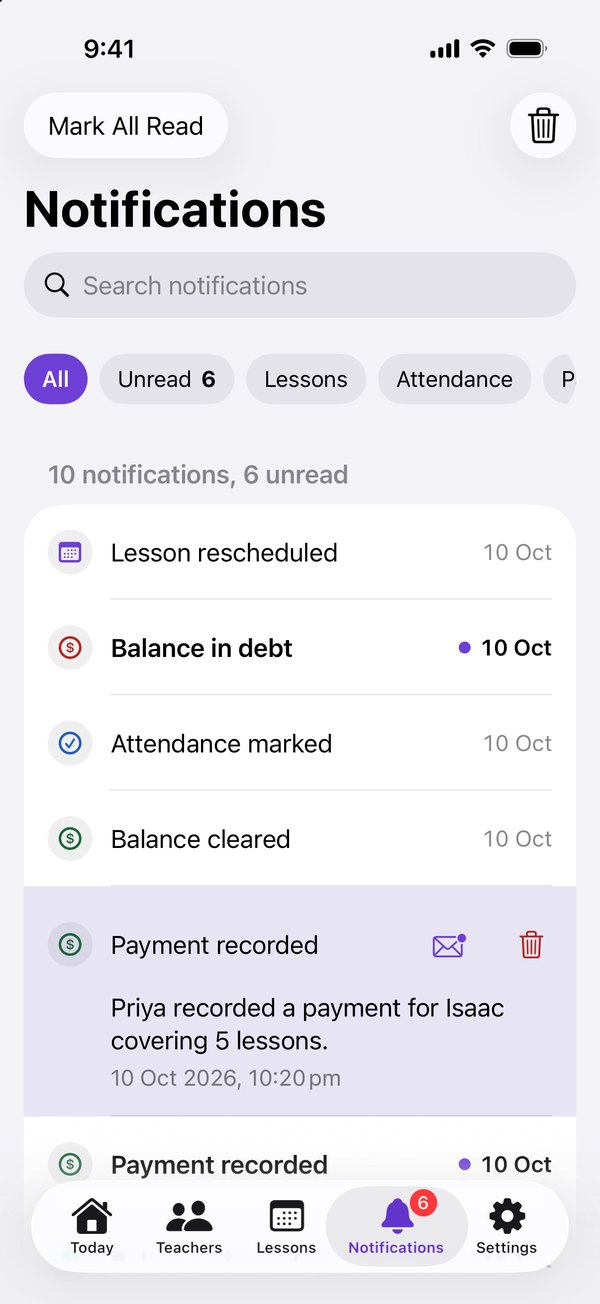
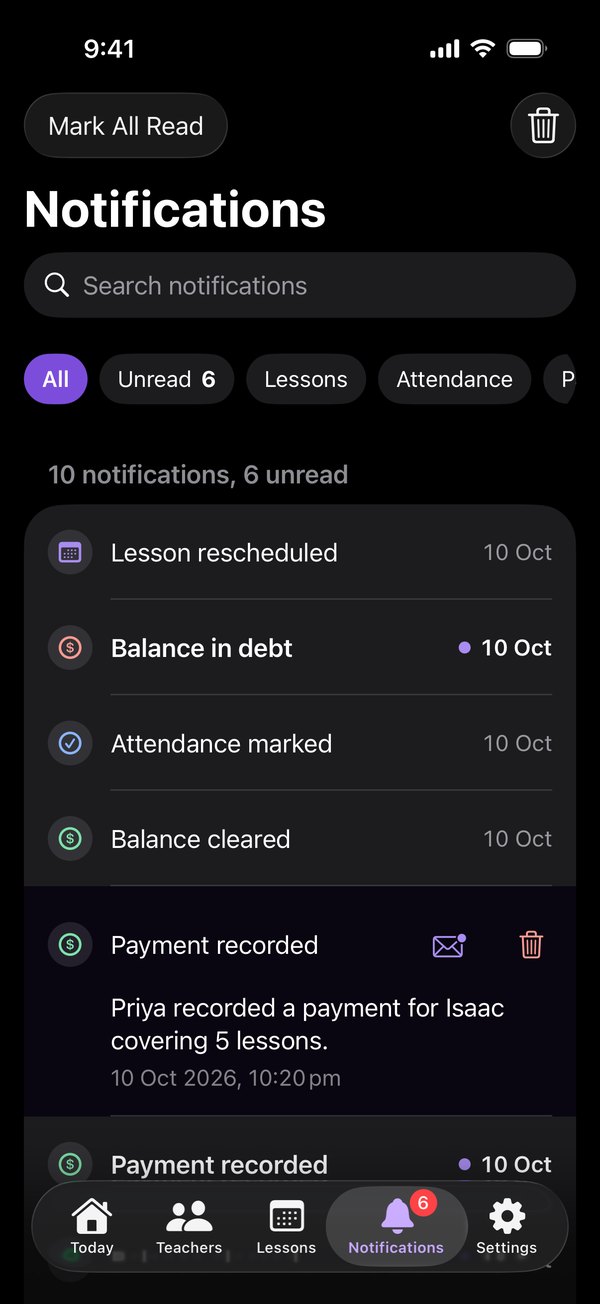
Notifications for Isaac, as a push arrives at the top: a payment recorded for Isaac covering 8 lessonsNotifications for Isaac, as a push arrives at the top: a payment recorded for Isaac covering 8 lessons

And so much more

Small things, done properly.
So every week runs itself.

  • iPhone and the web

    One account, always in sync.

  • Clashes in red

    Double bookings, caught at a glance.

  • Turn for the week

    Month upright. Week diary sideways.

  • Any subject

    Piano to maths, or a whole class.

  • Families join free

    Unlimited, with every teacher.

  • You approve every link

    A code, then your OK.

  • No new password

    Sign in with Apple or Google.

  • Teacher or student

    One account. Switch any time.

Pricing

Free until you outgrow it.
Every feature on every plan.

Your first five students
are on us.

No forms. No new password.

On your iPhone

Scan with the camera

Get the iOS appOr open the App Store ›

In any browser

Nothing to install

Open on the web

Contact us

Questions, problems or ideas? We’ll reply by email.

So we can reply to you.

Up to 200 characters.

Up to 3000 characters.

We use your email only to reply. Privacy policy