For teachers
Record a payment
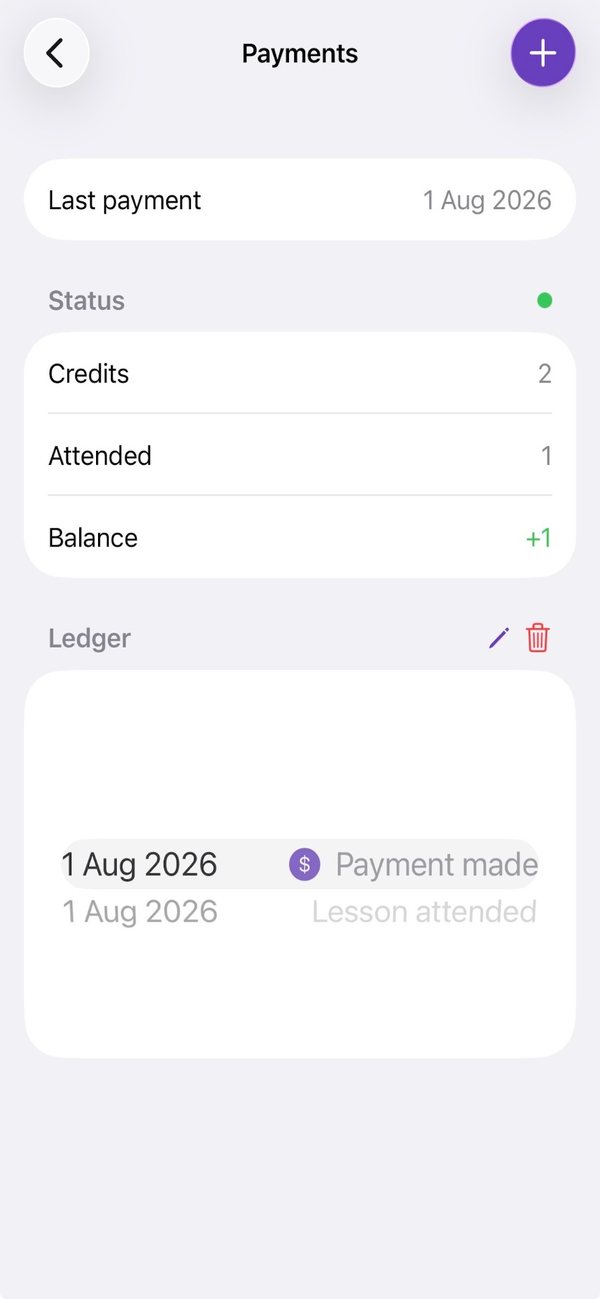
A payment adds lesson credits. You record how many lessons it covers, never the amount.
Open the student and tap the $ button at the top. Its colour shows their balance.
Tap +.
Set how many lessons the payment covers, and the date it was paid. Tap Confirm.
Good to know
- The number starts at whatever the last payment covered, so a regular payment is quick to record.
- The date can be today or earlier, not in the future.
- Harmonic never records an amount, or any card or bank details.
- The balance updates straight away, and linked accounts are told about the payment.
Still stuck? In the app, go to Settings and tap Contact Us.