See the whole week
See the week as a diary, one column per day.
In the iOS app
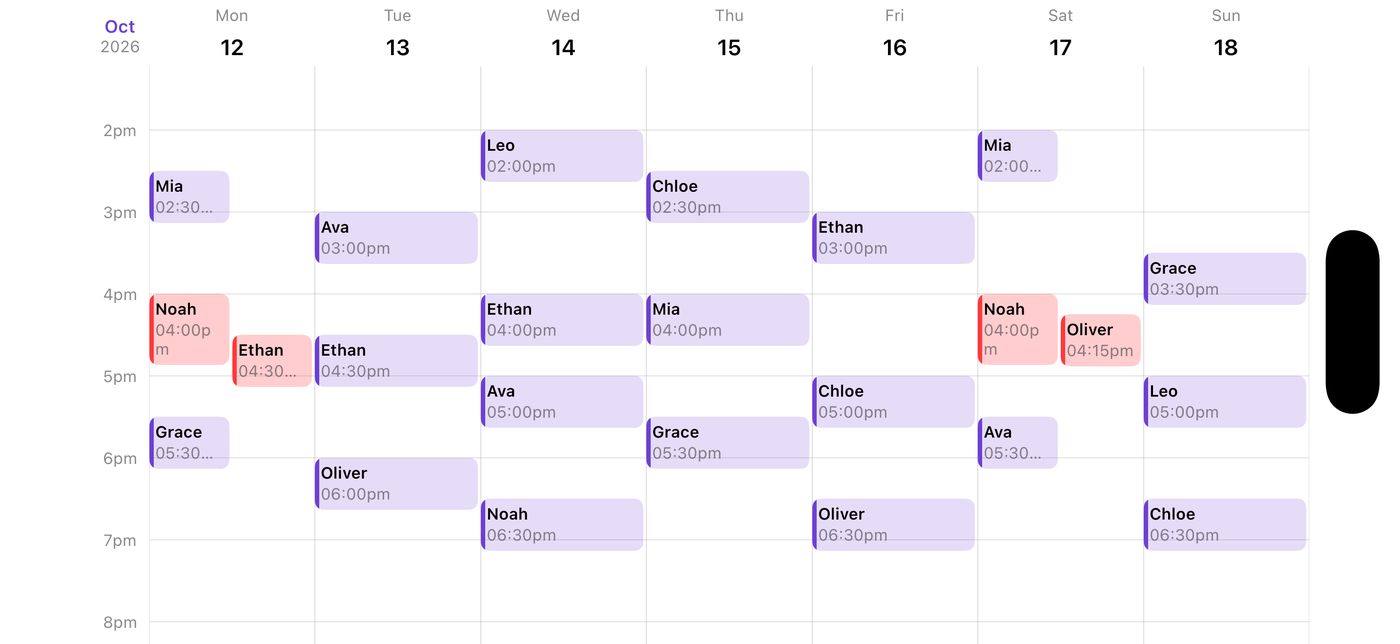
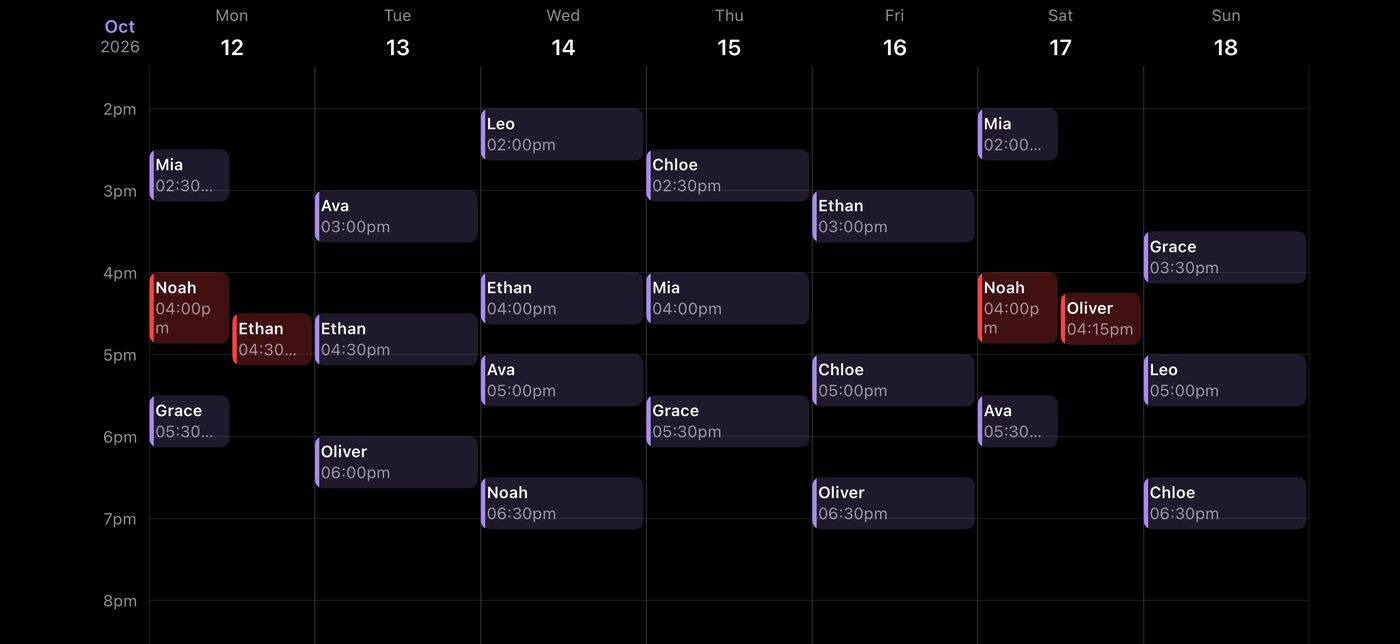
On Lessons, turn your phone sideways.
The week appears as a diary, one column per day, each lesson in its time slot.
Swipe left or right for other weeks, and up or down through the day. Turn back upright for the month.
Good to know
- It always opens on the current week.
- Lessons that overlap show in red. Teachers can open a lesson from the week.
On the web
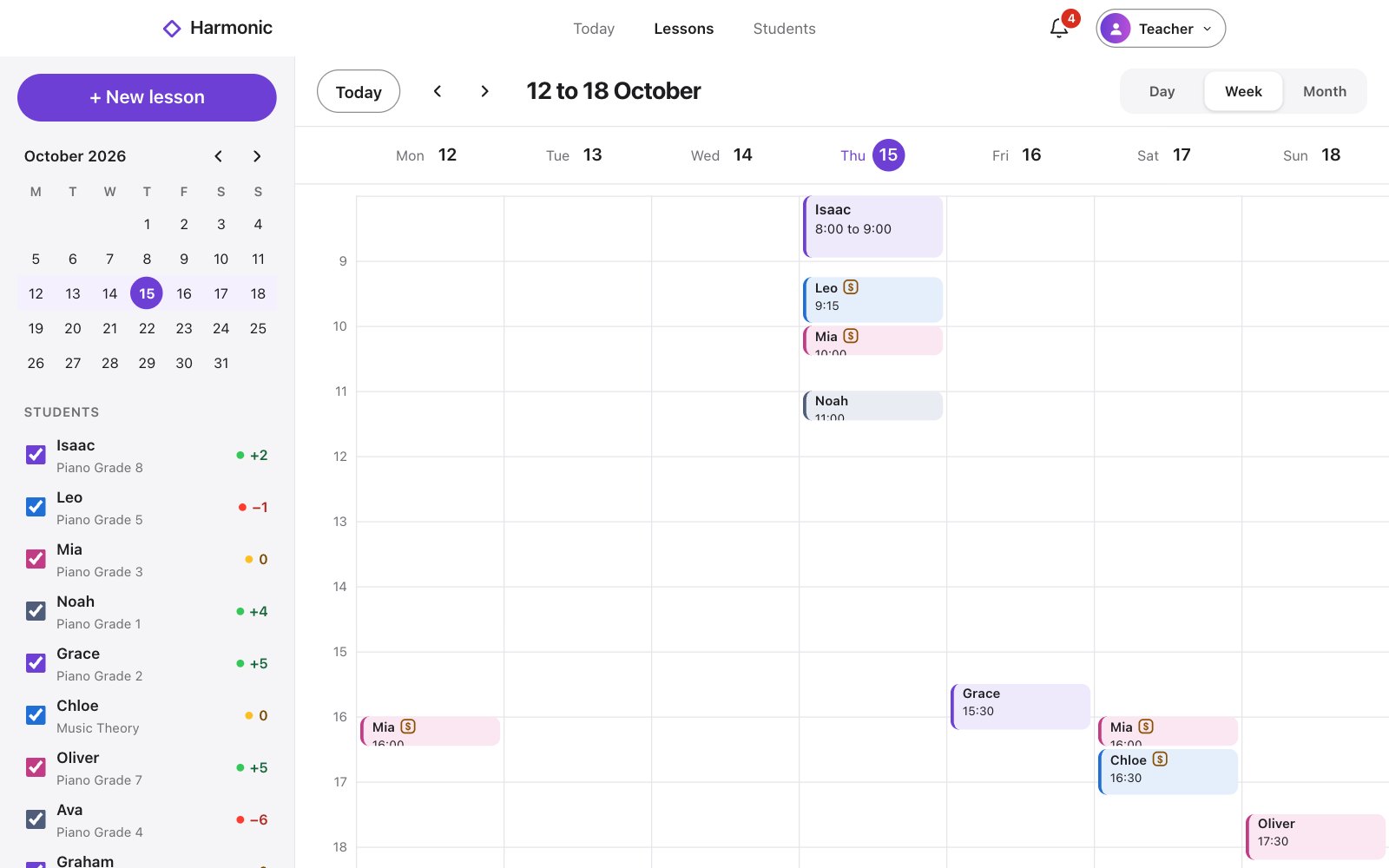
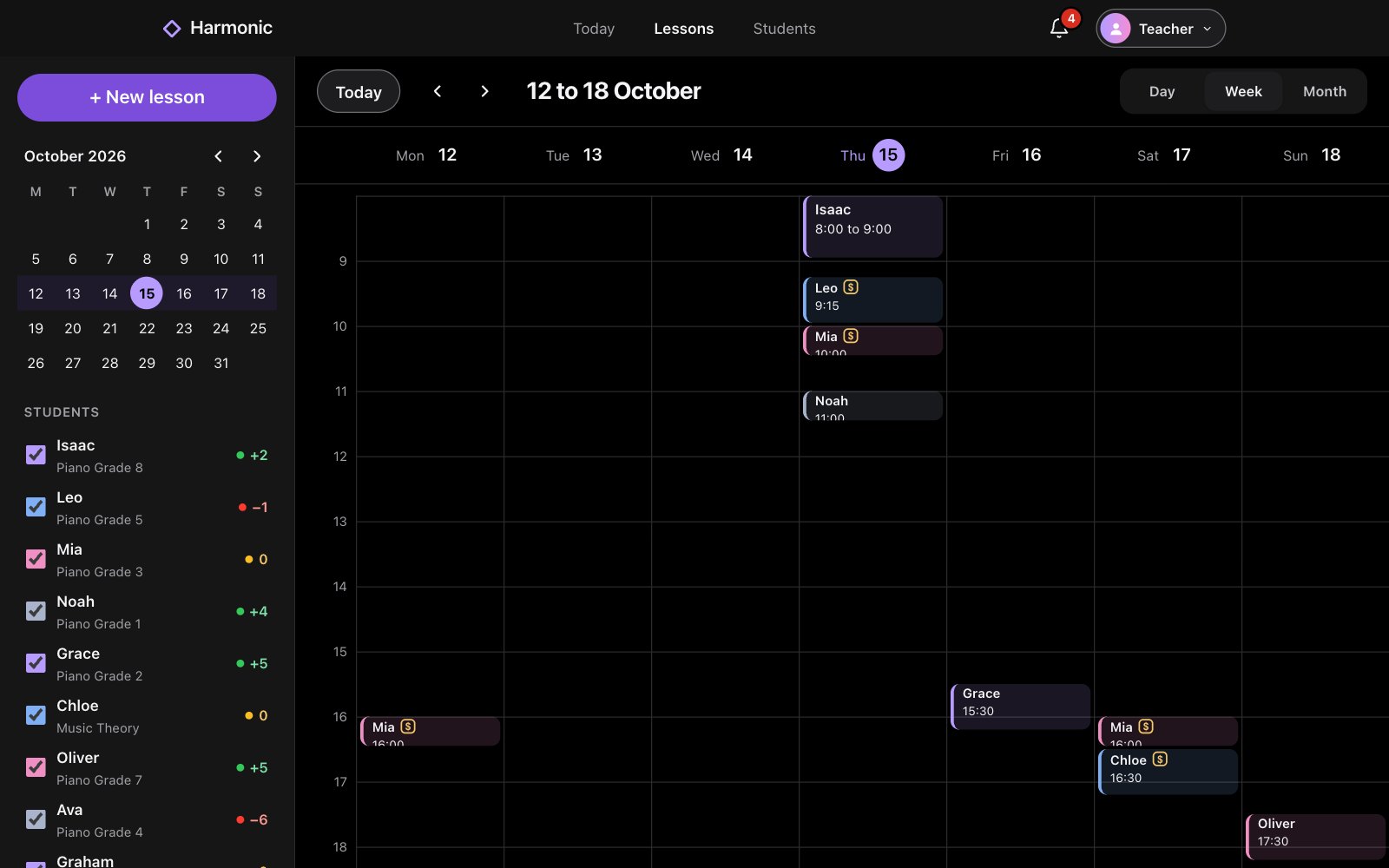
On Lessons, choose Week at the top.
Use the arrows for other weeks, or Today to come back.
Good to know
- Lessons that overlap show in red. Teachers can open a lesson from the week.