Switch between teacher and student
One account can be a teacher and a student. Switch whenever you like.
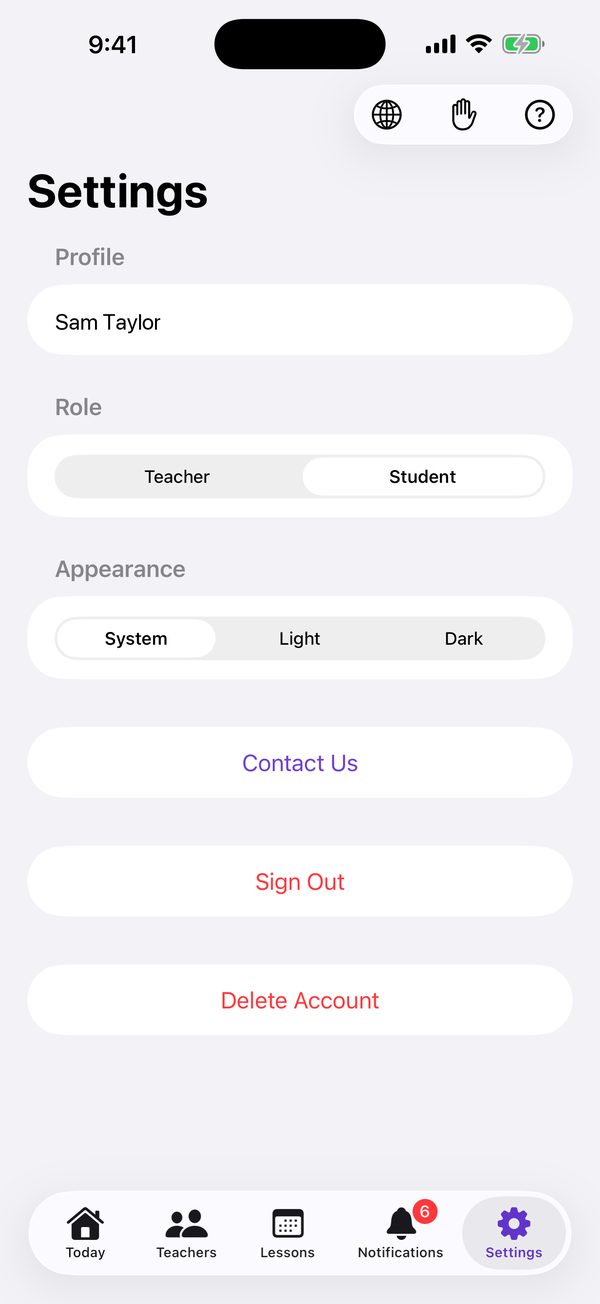
In the iOS app
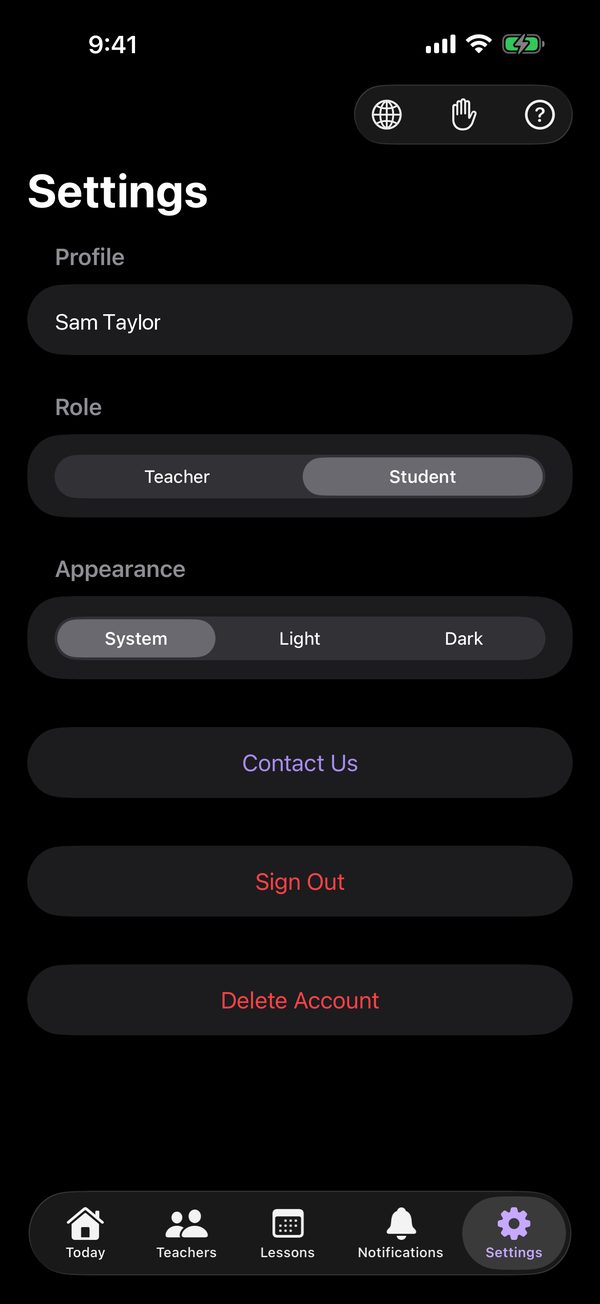
Open Settings.
Under Role, tap Teacher or Student.
Good to know
- Harmonic reopens on Settings in the other role.
- Each role shows its own side: as a teacher, your students and their lessons; as a student, the teachers you’re linked to.
- A piano teacher learning French, or a parent who tutors, can keep everything under one sign-in.
On the web
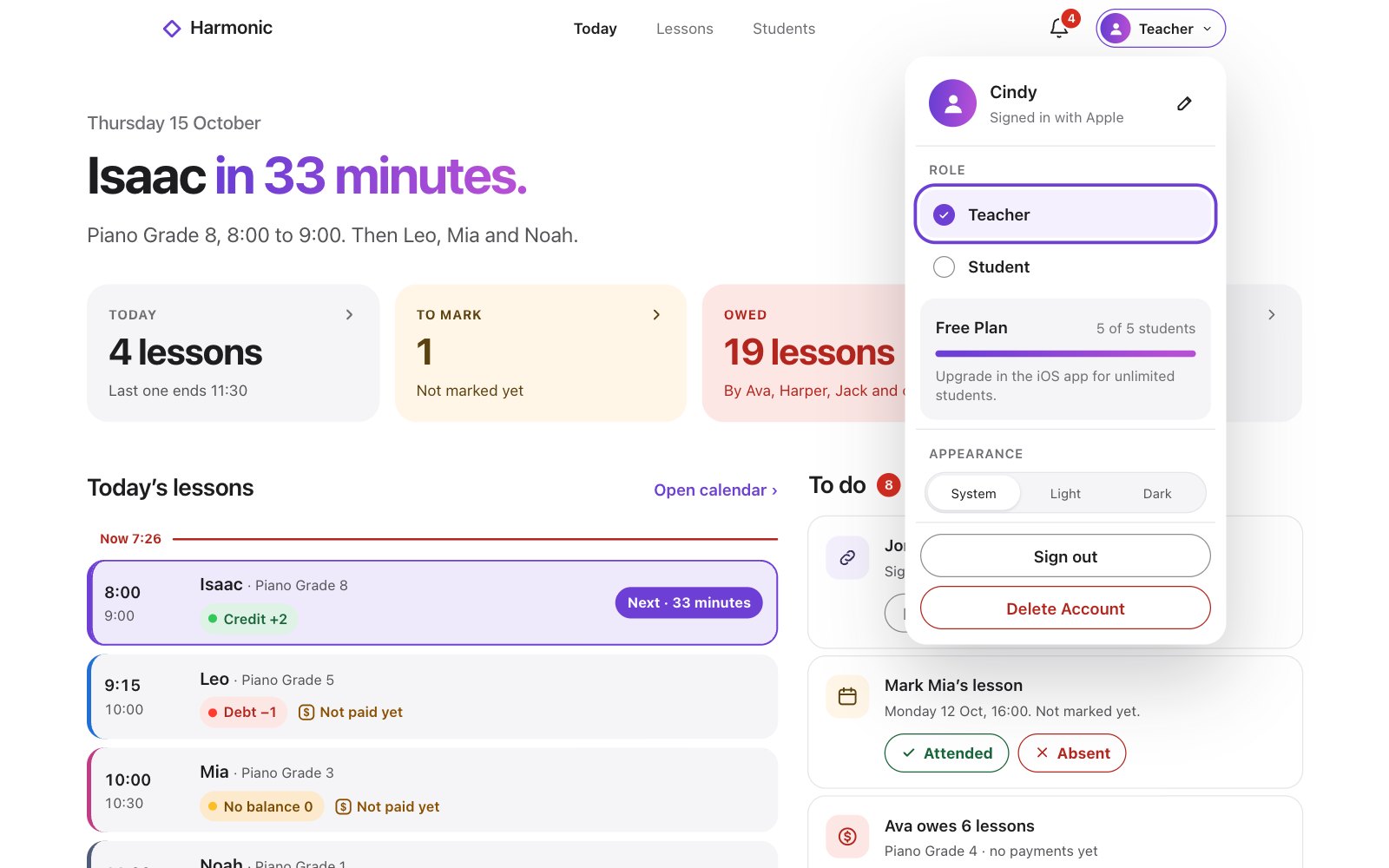
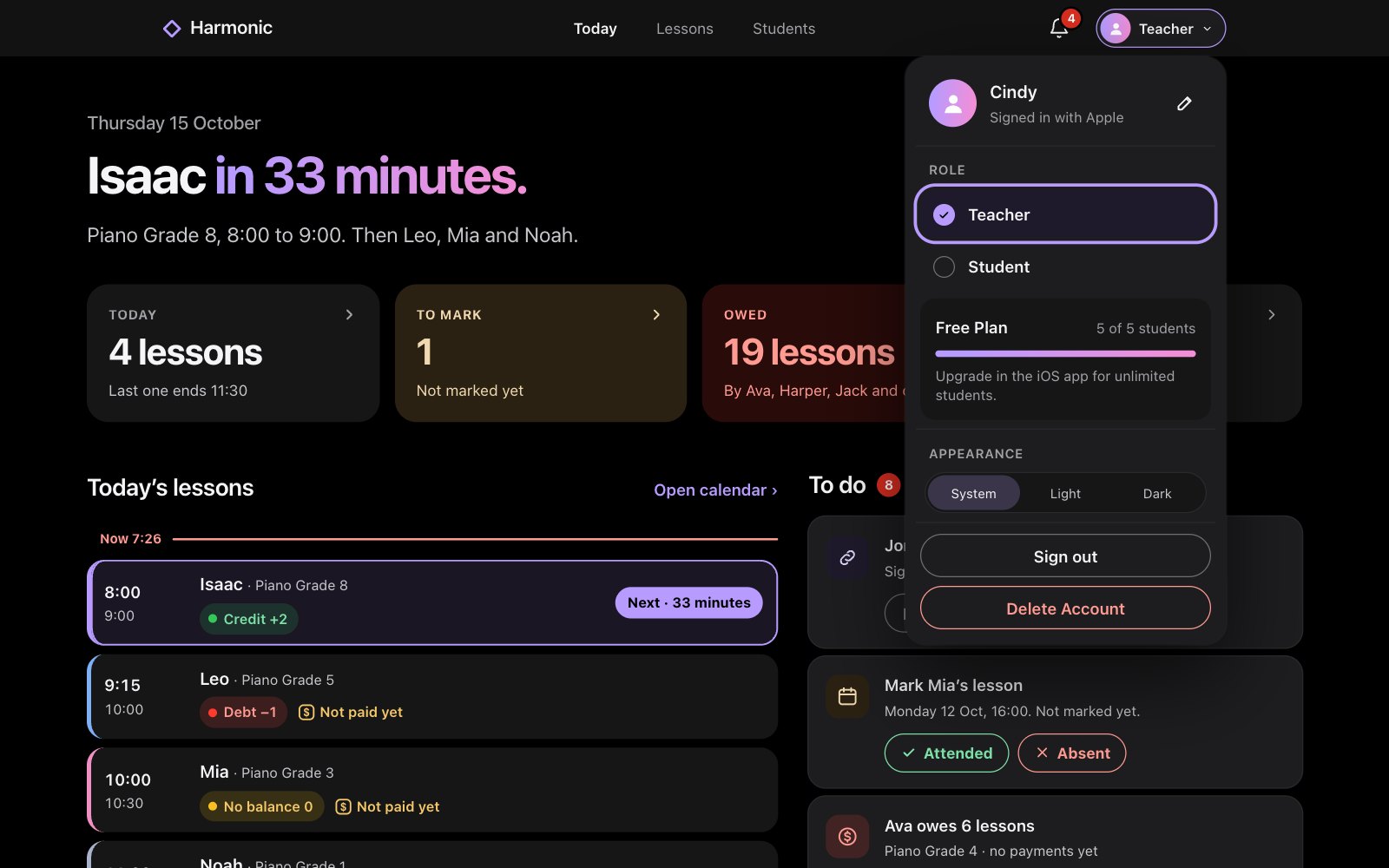
Click your role at the top right to open the account menu. On a phone, open Settings.
Under Role, choose Teacher or Student.
Good to know
- Each role shows its own side: as a teacher, your students and their lessons; as a student, the teachers you’re linked to.
- A piano teacher learning French, or a parent who tutors, can keep everything under one sign-in.