See and remove linked accounts
See everyone who follows a student, by name, and take anyone off.
In the iOS app
Open the student and tap Linked Accounts.
To take someone off, swipe left on them and tap Remove.
Good to know
- Everyone linked sees the student’s lessons, attendance and payments, and gets notifications about them.
- Removing someone stops that straight away. They’d need to ask again with the code.
On the web
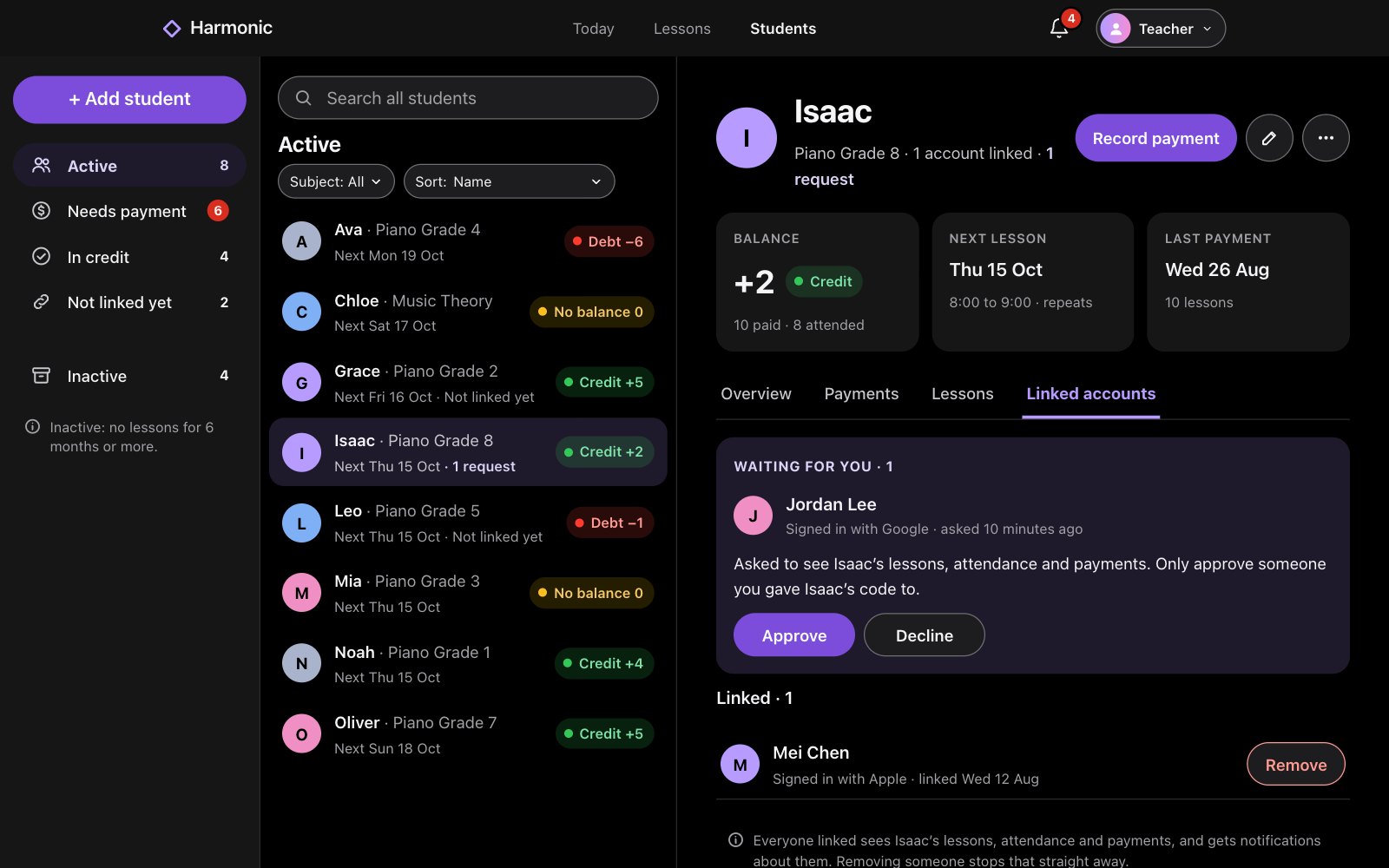
Open the student and choose Linked accounts.
To take someone off, click Remove beside them.
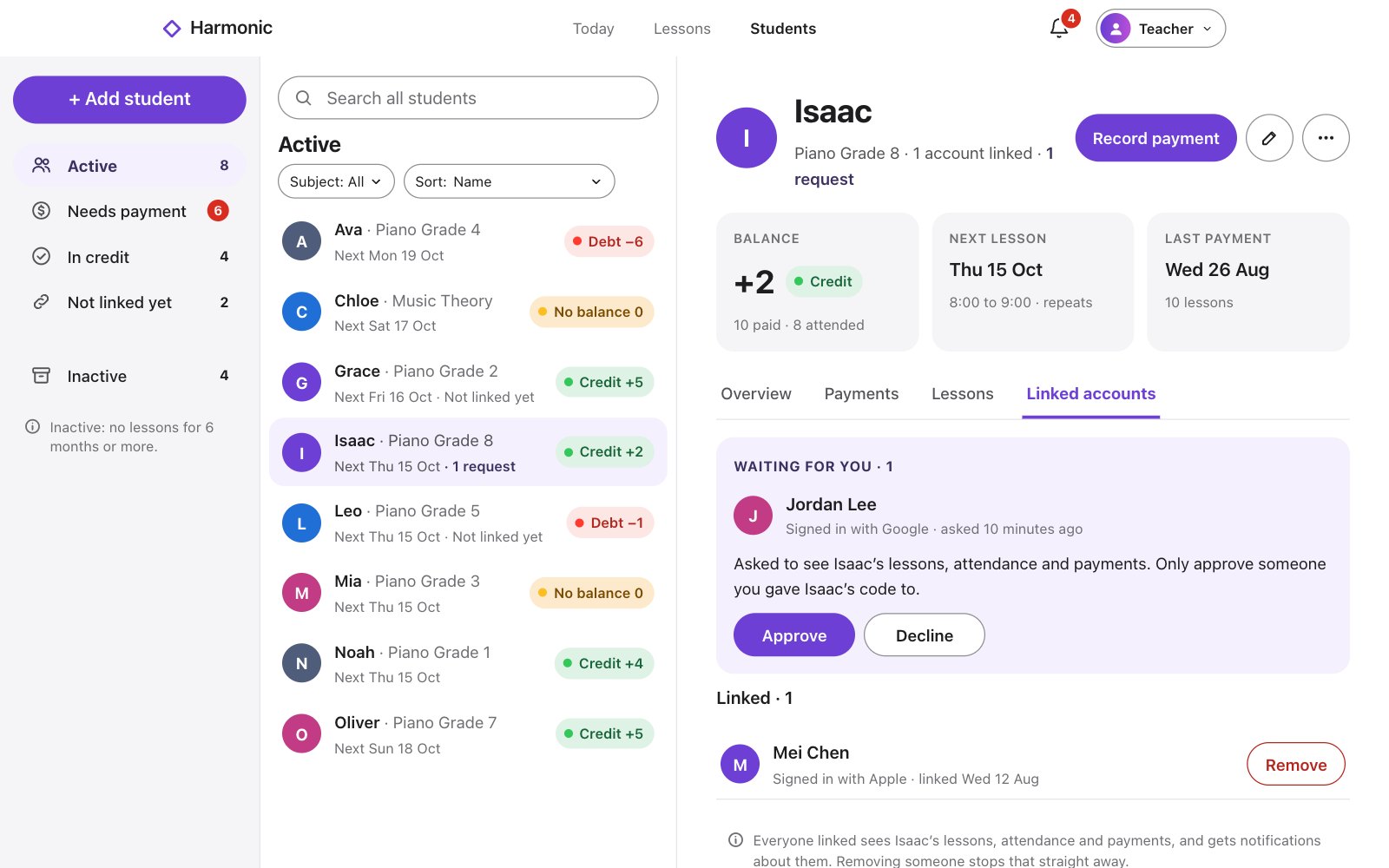
Good to know
- Everyone linked sees the student’s lessons, attendance and payments, and gets notifications about them.
- Removing someone stops that straight away. They’d need to ask again with the code.