For teachers
Schedule a lesson
One lesson or a whole term of them, in four taps.
Tap the add button at the top of Lessons (a calendar with a plus), or + on a student’s page.
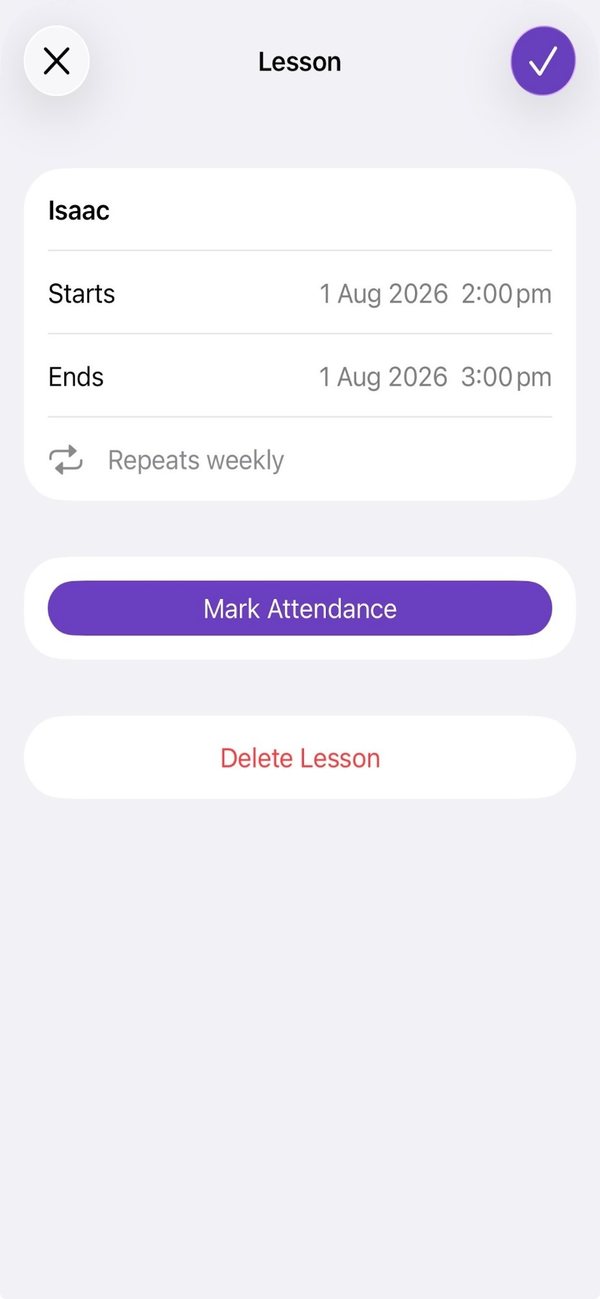
Choose the student, then set when the lesson Starts and Ends.
To make it a series, set Repeat to Weekly or Fortnightly, then choose how many: End after 1 to 52 repeats.
Tap the tick to save.
Good to know
- To move a lesson later, open it, change Starts or Ends, and tap the tick. Linked accounts are told it moved.
Still stuck? In the app, go to Settings and tap Contact Us.