Record a payment
A payment adds lesson credits. You record how many lessons it covers, never the amount.
In the iOS app
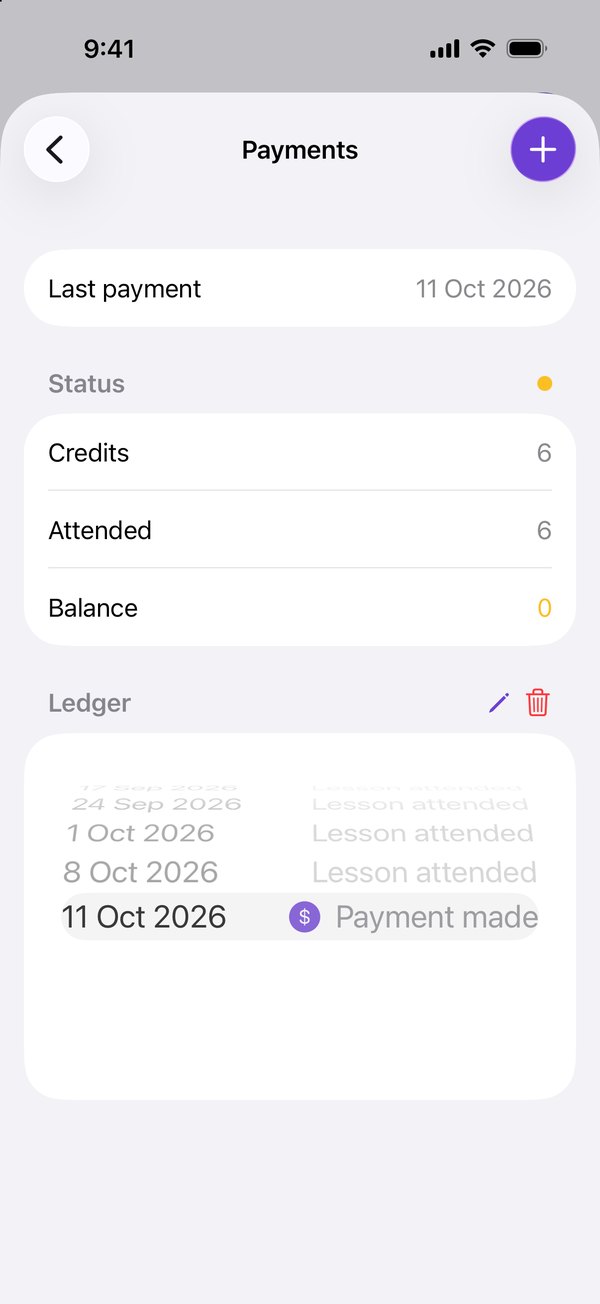
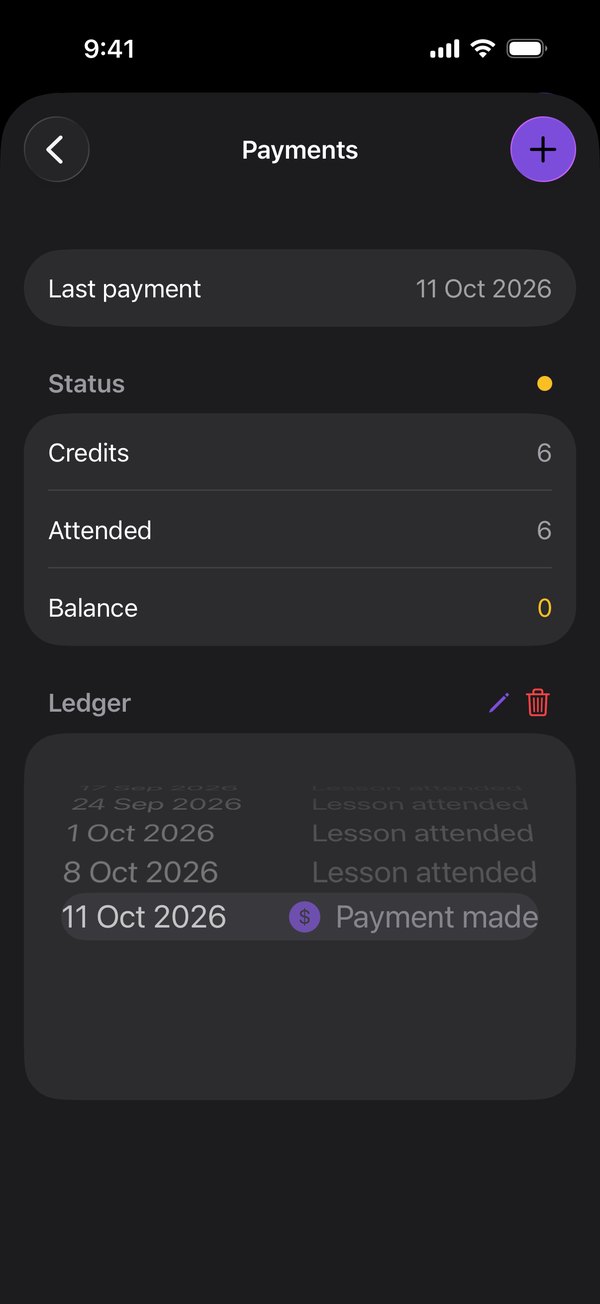
Open the student and tap the $ button at the top. Its colour shows their balance. Or tap Record beside them in To do on Today.
Tap +.
Set how many lessons the payment covers, and the date it was paid. Tap Confirm.
Good to know
- The number starts at whatever the last payment covered, so a regular payment is quick to record.
- The date can be today or earlier, not in the future.
- Harmonic never records an amount, or any card or bank details.
- The balance updates straight away, and linked accounts are told about the payment.
On the web
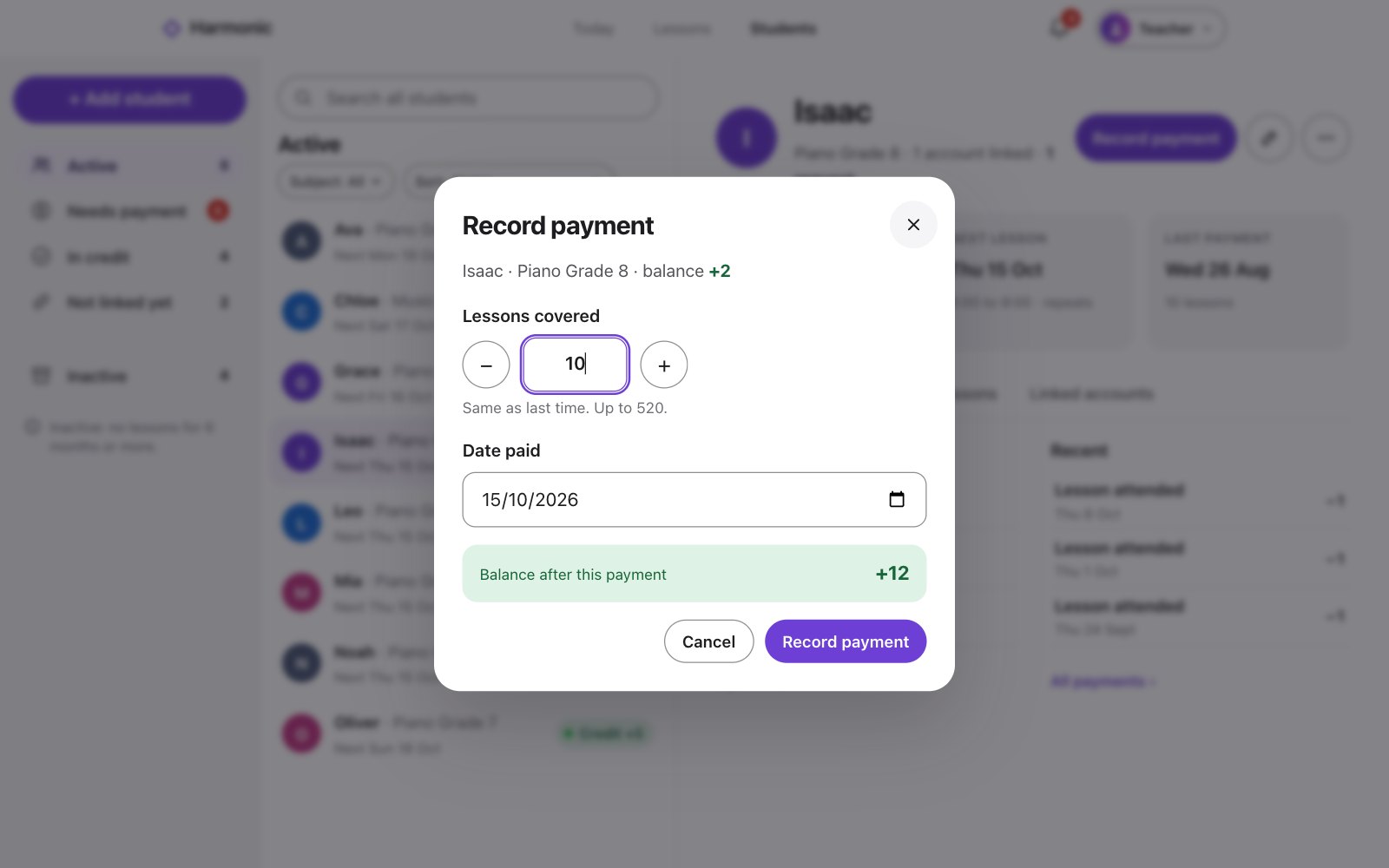
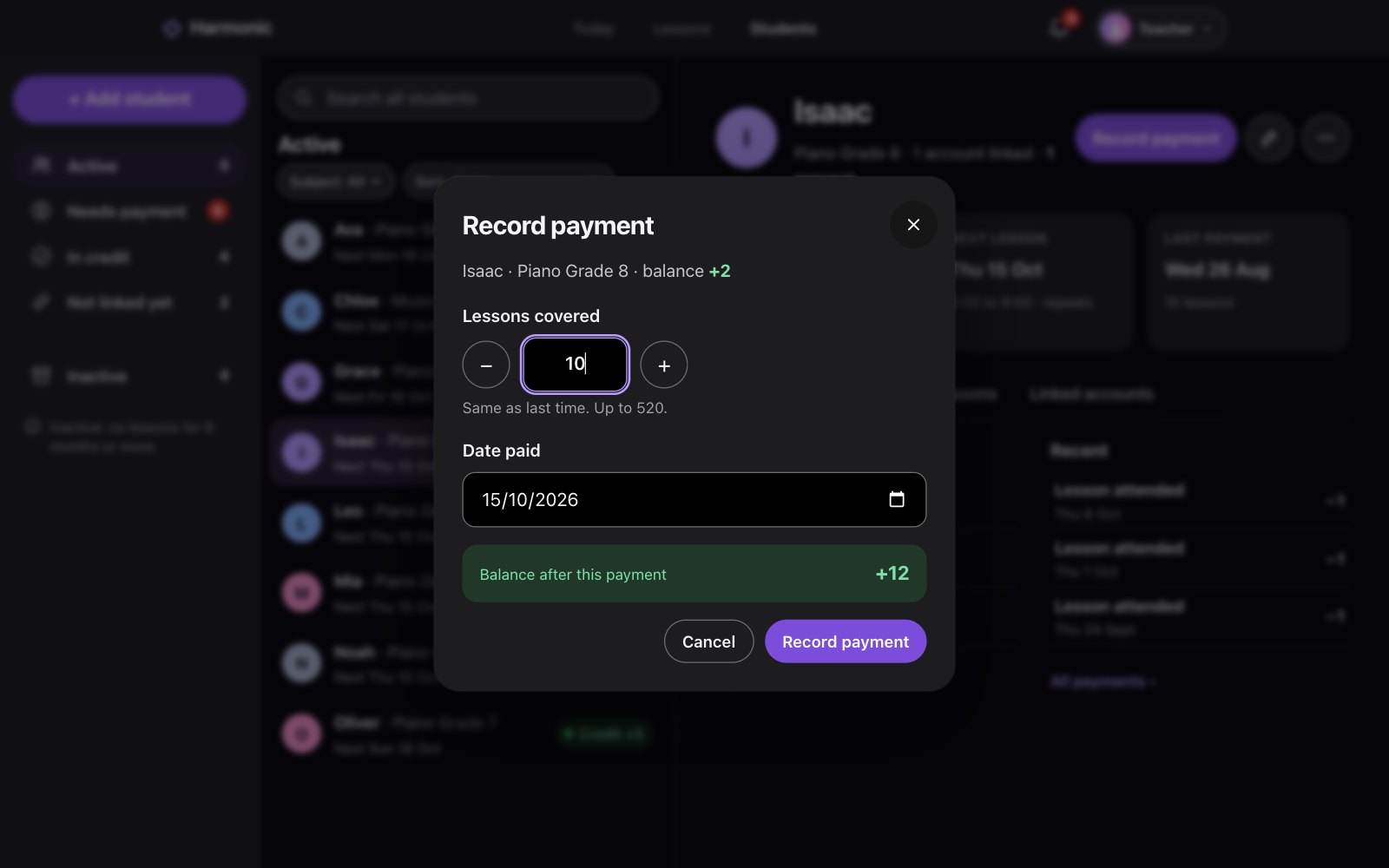
Open the student and click Record payment. Or click Record payment beside them in To do on Today.
Set Lessons covered and Date paid. It shows the balance after this payment.
Click Record payment.
Good to know
- The date can be today or earlier, not in the future.
- Harmonic never records an amount, or any card or bank details.
- The balance updates straight away, and linked accounts are told about the payment.