Edit or delete a payment
Fix a payment recorded with the wrong number of lessons or the wrong date.
In the iOS app
Open the student’s Payments page with the $ button.
In the Ledger, scroll to the payment.
Tap the pencil to change it, or the bin to delete it.
Good to know
- Linked accounts are told when a payment is changed or removed.
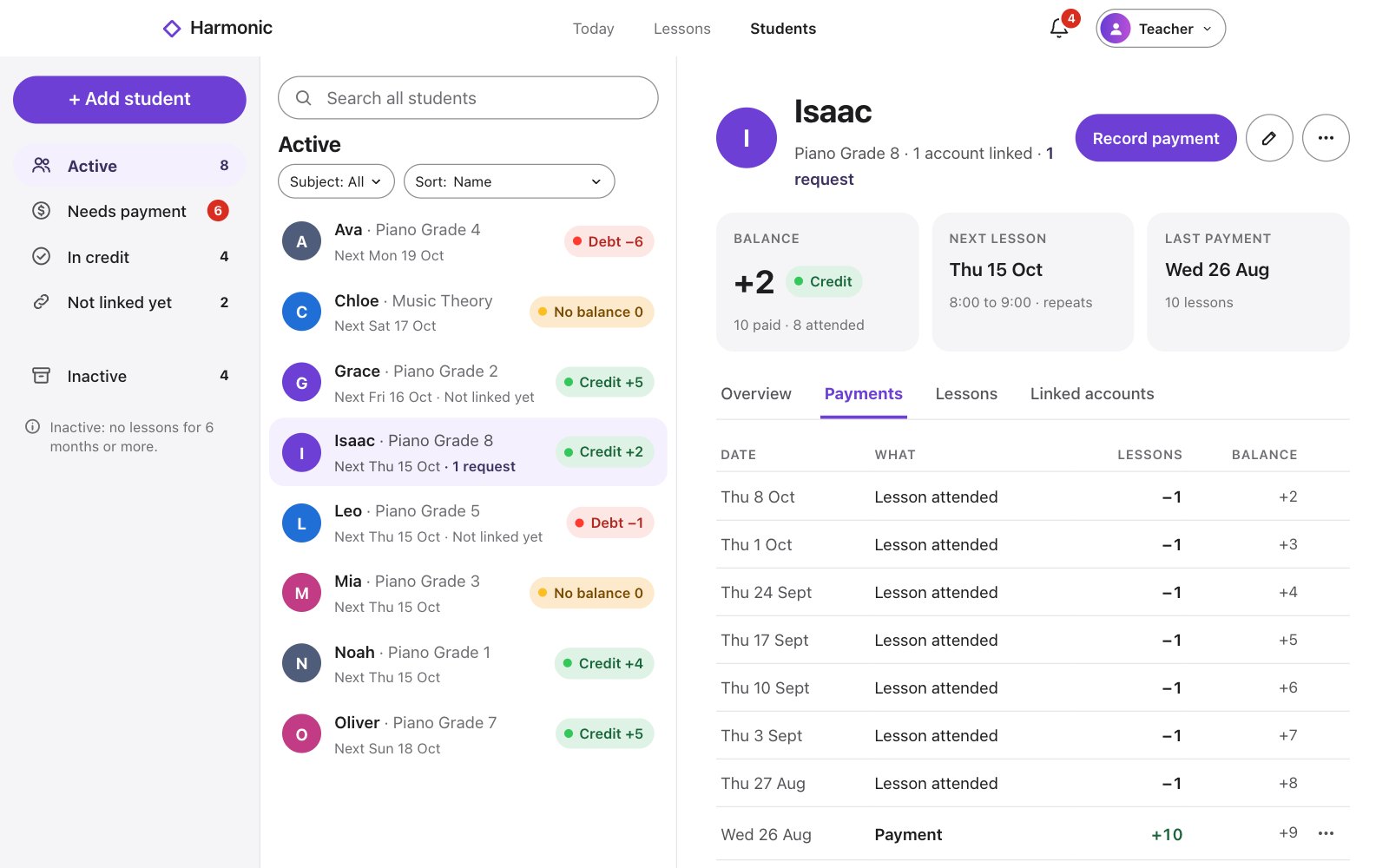
On the web
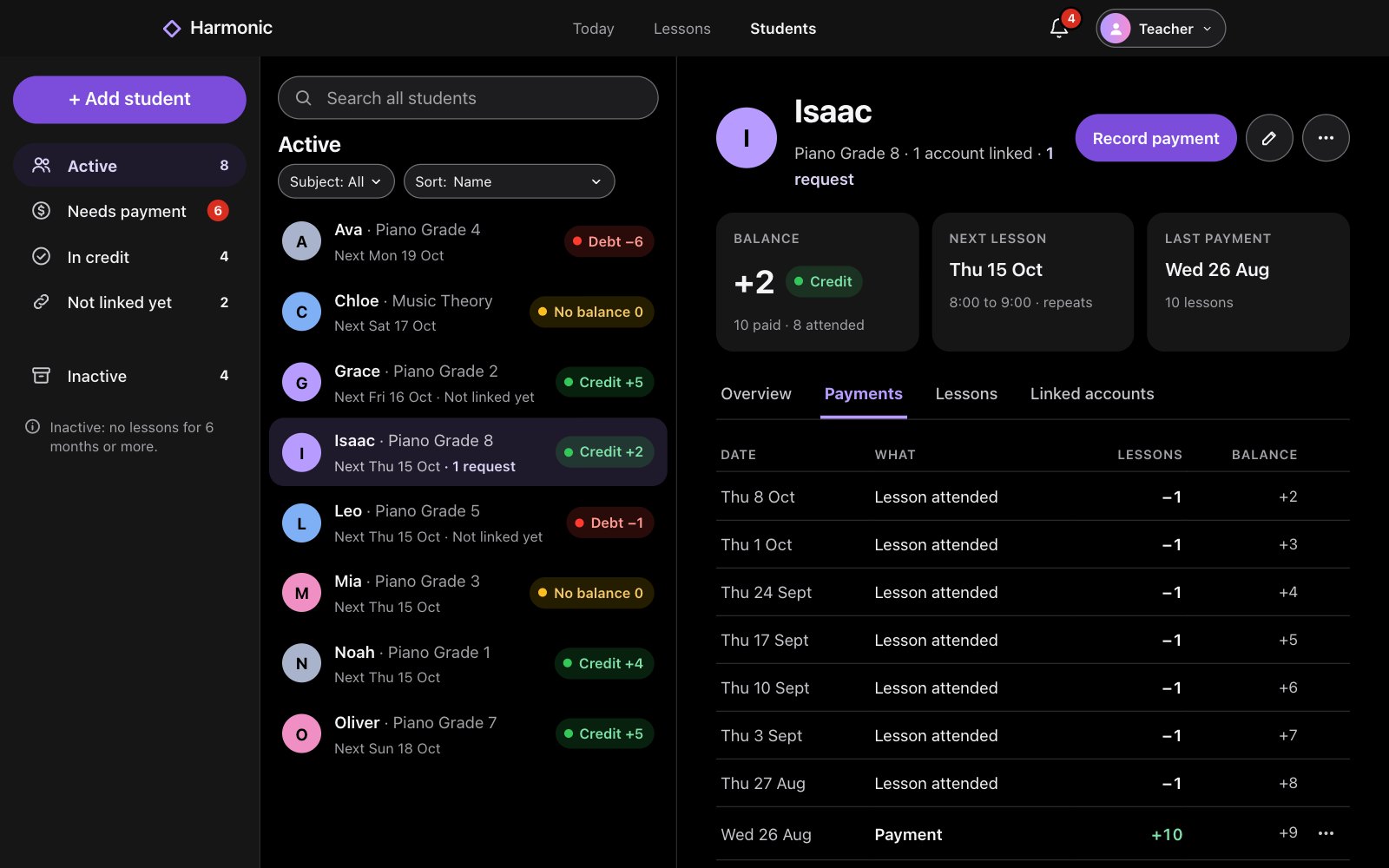
Open the student and choose Payments.
Click the … button beside the payment.
Choose Edit payment, or Delete payment….
Good to know
- Linked accounts are told when a payment is changed or removed.