Quick start
From sign-in to your first lesson in about five minutes.
In the iOS app
For teachers
Sign in with Apple or Google, and choose Teacher.
On Students, tap the add button and add a student. Harmonic gives them a student code.
Share the code. When the student, or a parent or guardian, enters it, Today asks you to review it. Approve it to link them.
On Lessons, tap the add button to schedule. Make it weekly or fortnightly and the term fills itself in.
After each lesson, tap Attended or Absent on Today. When they pay, record the lessons it covers.
For students, parents or guardians
Sign in with Apple or Google, and choose Student.
On Teachers, tap the add button and enter the student code your teacher gave you. Your teacher approves it.
Today shows your next lesson and what’s new. Notifications tell you when a lesson or payment changes.
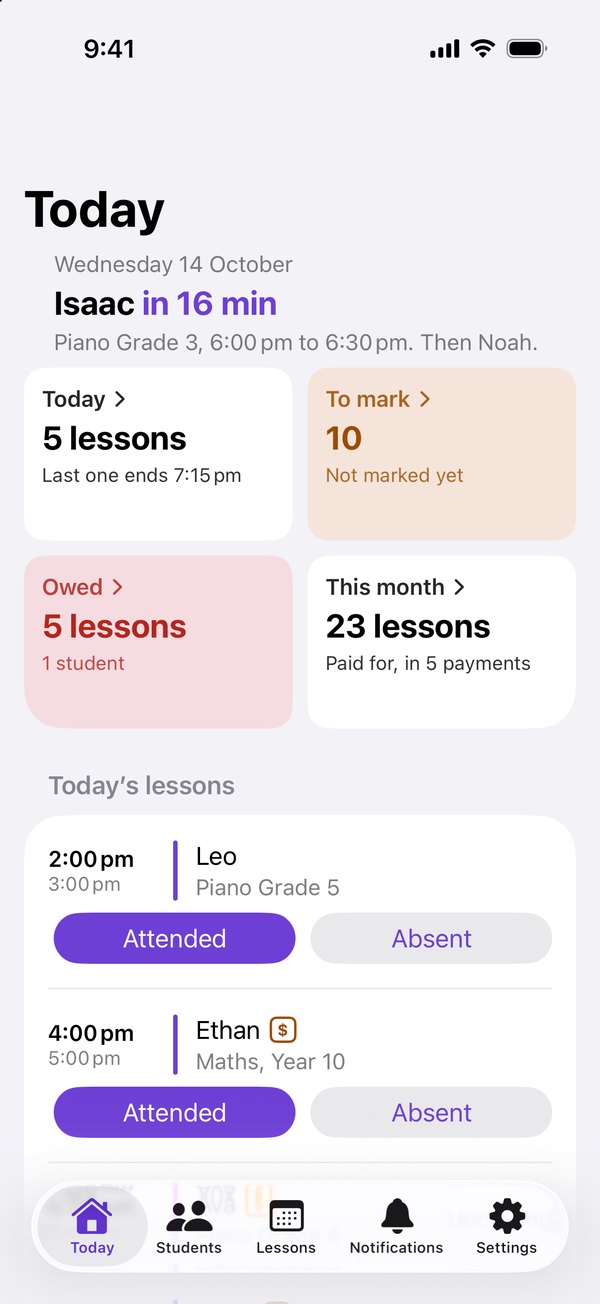
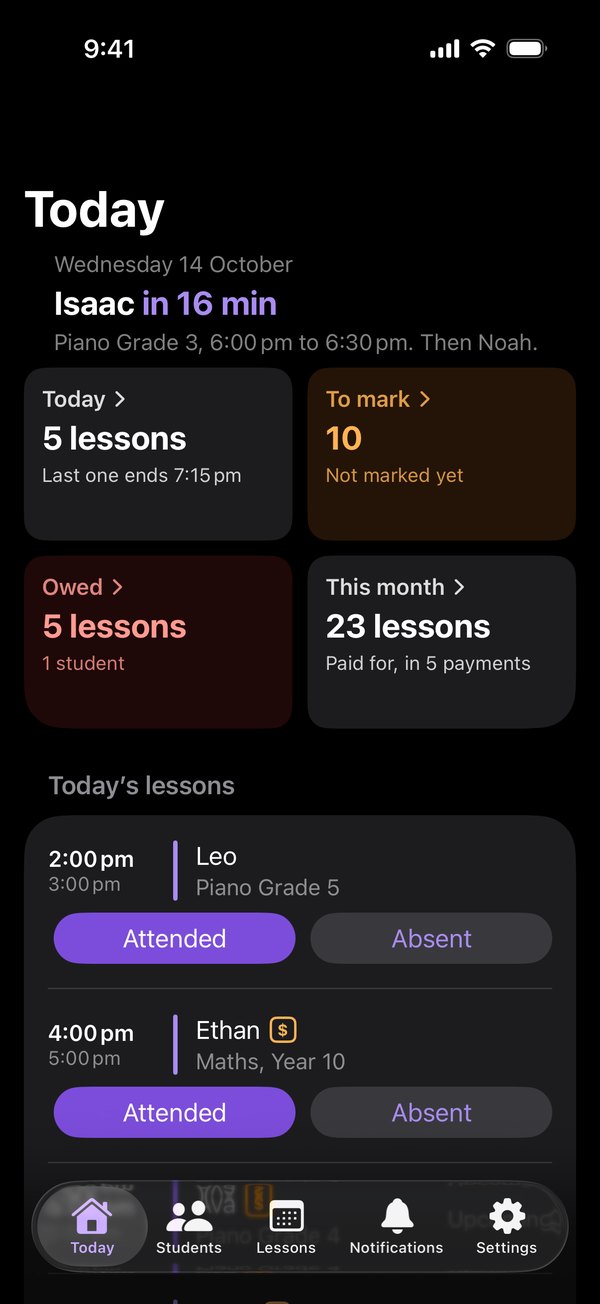
Today is home, for teachers and students. Everything else is a tap away.
On the web
For teachers
At harmonic.net.au, choose Sign in, sign in with Apple or Google, and choose I teach.
On Students, click + Add student. Harmonic gives them a student code.
Share the code. When the student, or a parent or guardian, enters it, Today asks you to review it. Approve it to link them.
On Lessons, click + New lesson. Make it weekly or every two weeks and the term fills itself in.
After each lesson, click Attended or Absent on Today. When they pay, record the lessons it covers.
For students, parents or guardians
At harmonic.net.au, choose Sign in, sign in with Apple or Google, and choose I take lessons.
On Teachers, click + Link a teacher and enter the student code your teacher gave you. Your teacher approves it.
Today shows your next lesson and every balance. Notifications tell you when a lesson or payment changes.
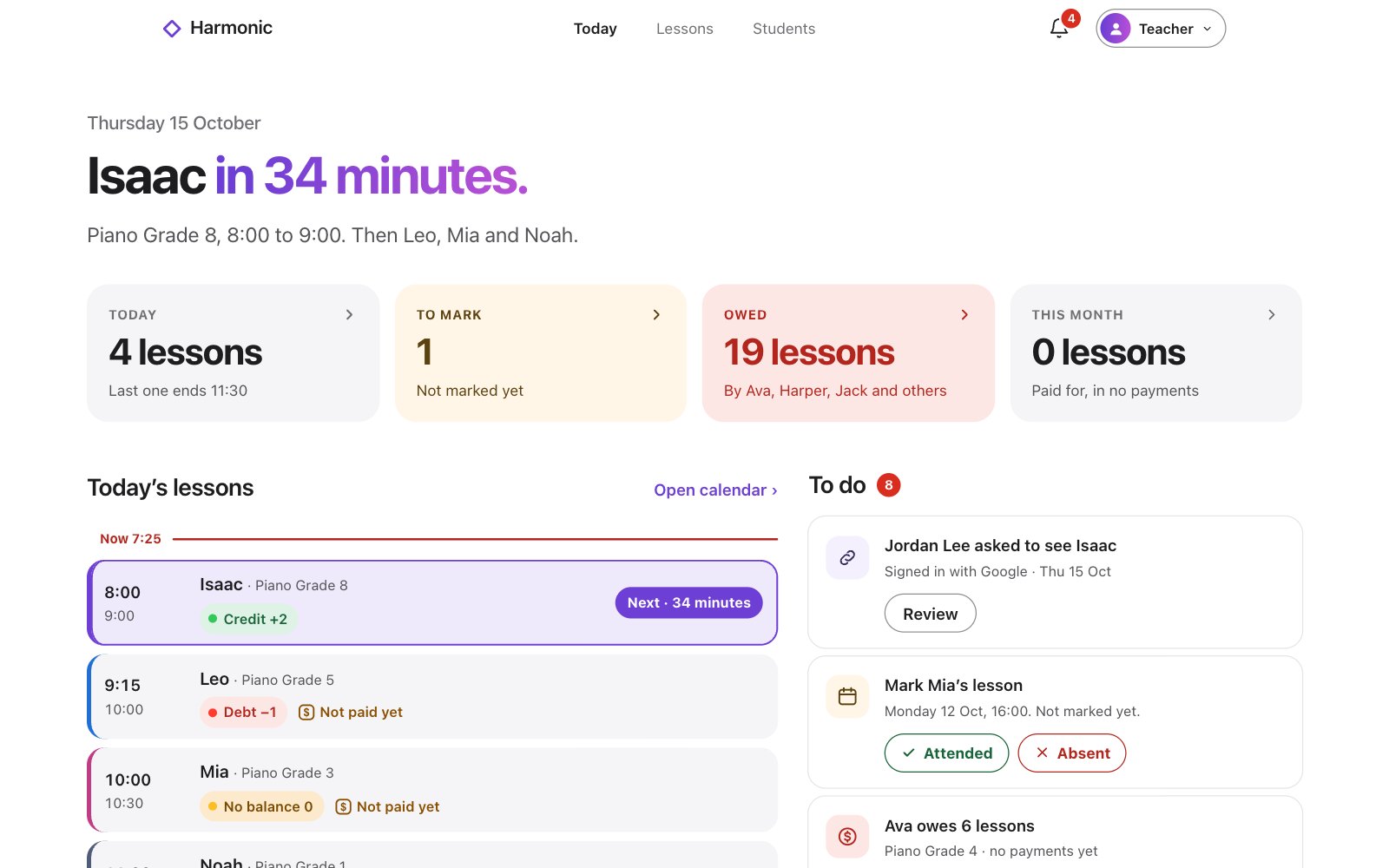
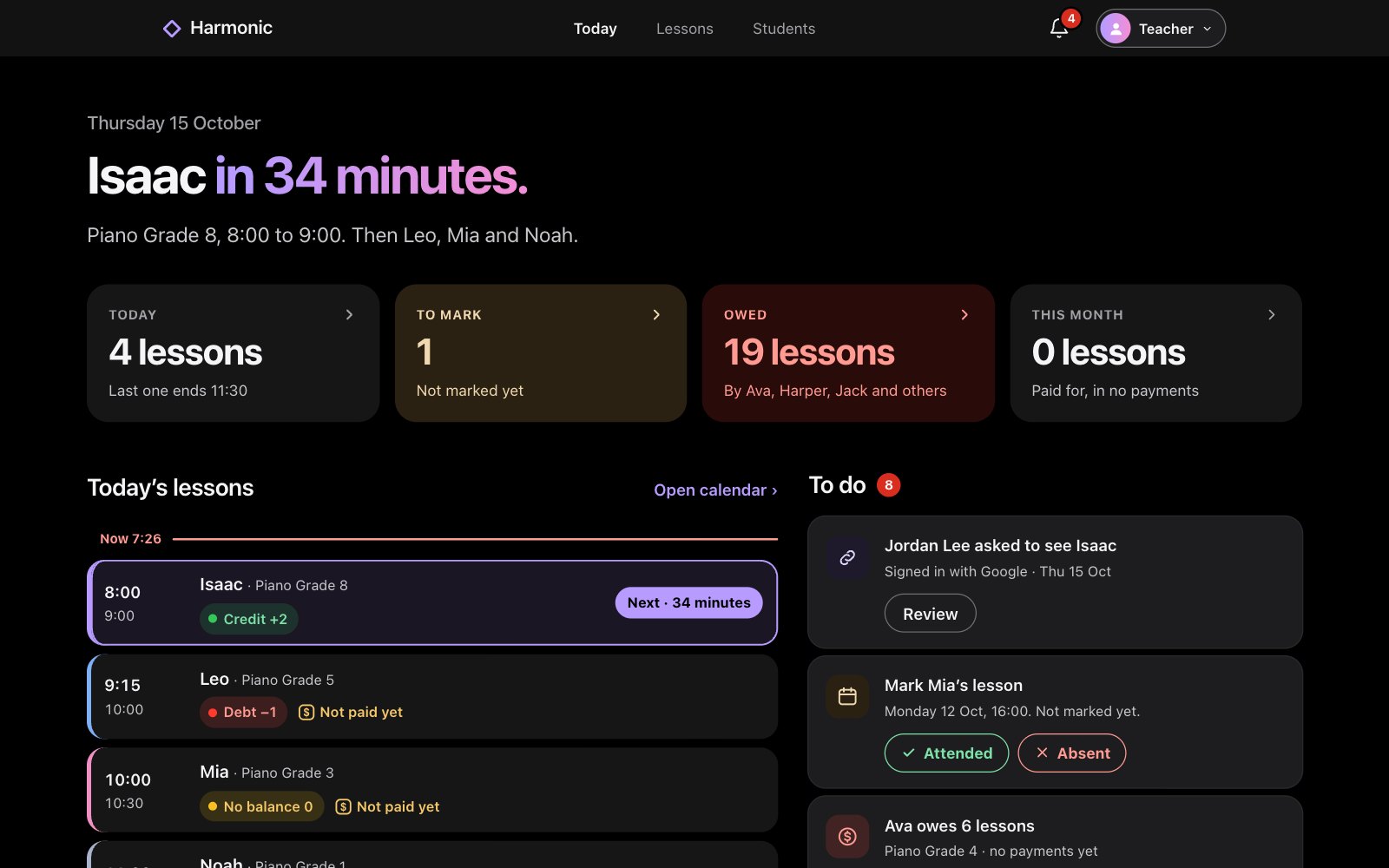
Today is home, for teachers and students. Everything else is a tap away.