Notifications and appearance
What Harmonic tells you about, how to work through the list, and how to switch to dark mode.
In the iOS app
How it works
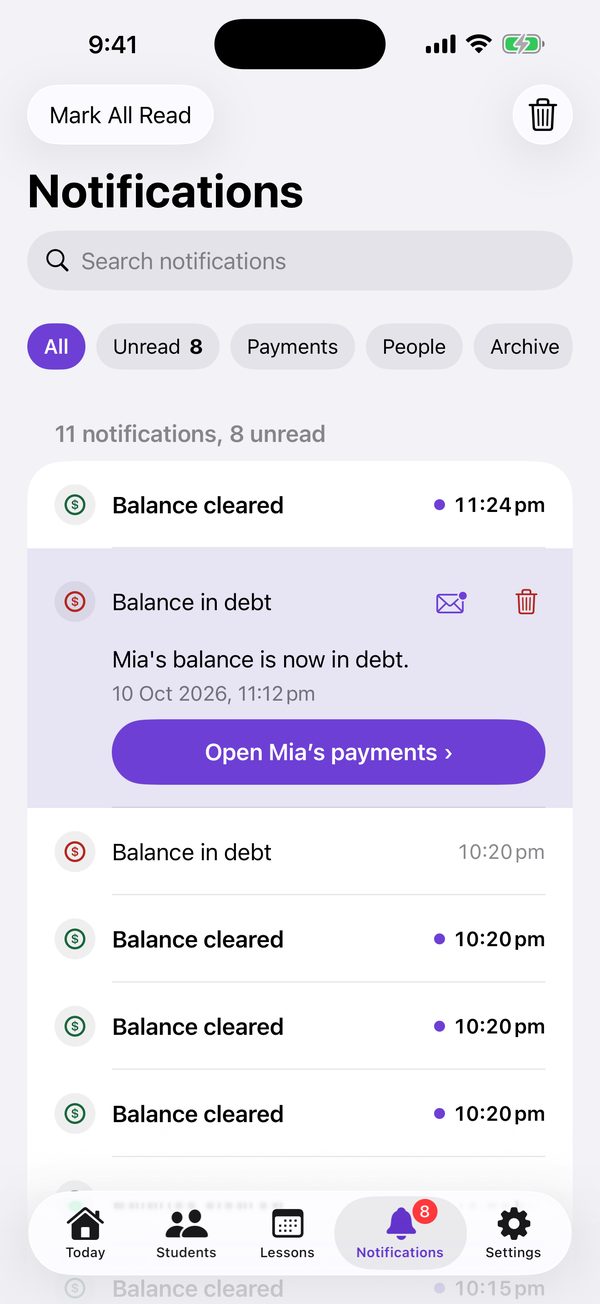
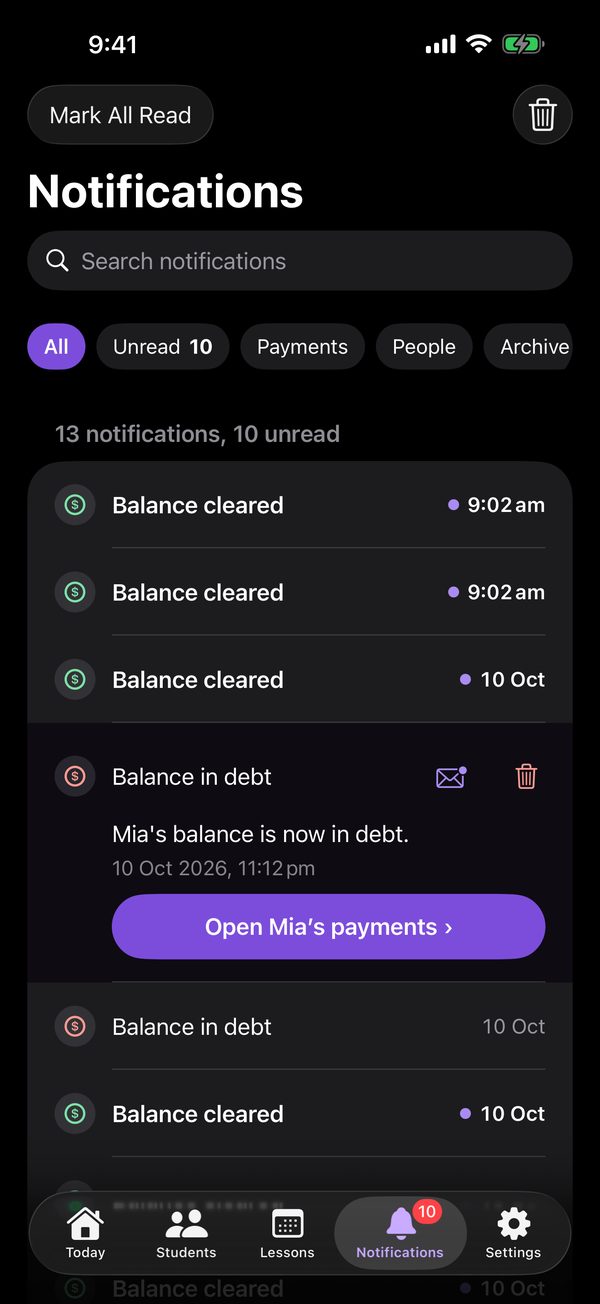
- Tap a notification to open it in place: the whole message, when it happened, and a button to the lesson, payment or student it’s about. Opening it marks it read.
- Search, or use the chips: Unread, Payments, People and Archive. Mark All Read and the bin are at the top.
- To stop push notifications altogether, turn them off for Harmonic in your iPhone’s Settings.
- For dark mode, open Settings and, under Appearance, choose System, Light or Dark. System follows your iPhone.
- Linked accounts hear when a lesson is scheduled, moved or removed, when attendance is marked, and when a payment is recorded, changed or removed.
- Teachers hear when someone asks to link. Both sides hear when a balance goes into debt, lands on zero, or comes back from debt.
On the web
How it works
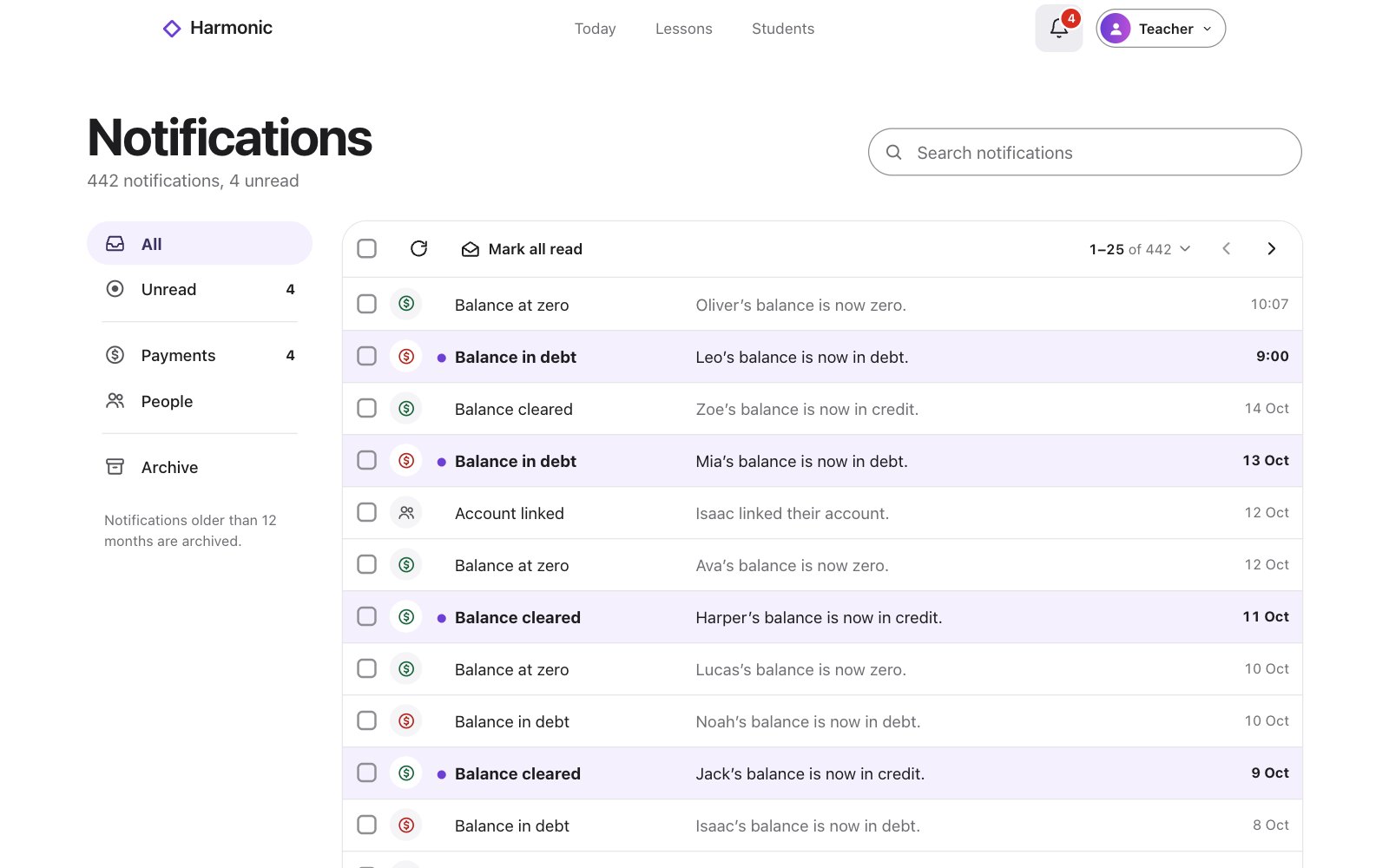
- Click a notification to open it in place, with a button to where it happened. Opening it marks it read.
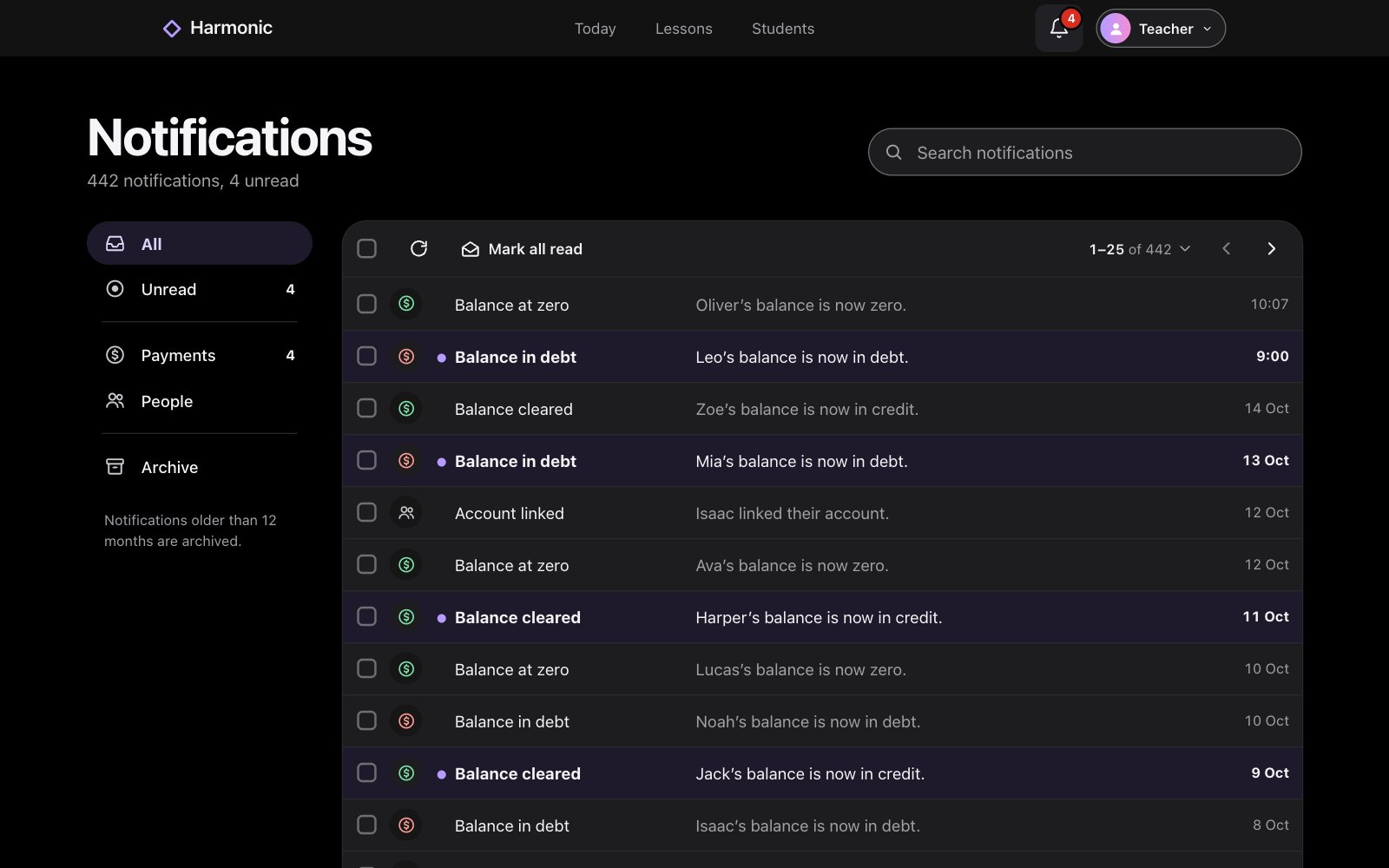
- Search, or choose Unread, Payments, People or Archive on the left. Tick to select several, then mark them read or delete them.
- New ones show on the bell at the top. Push notifications come to the iOS app.
- For dark mode, click the moon at the top. It follows your device until you choose.
- Linked accounts hear when a lesson is scheduled, moved or removed, when attendance is marked, and when a payment is recorded, changed or removed.
- Teachers hear when someone asks to link. Both sides hear when a balance goes into debt, lands on zero, or comes back from debt.